

 4.9
4.9 4.5
4.5You can be the perfect candidate on paper — and still never hear back.
Why?
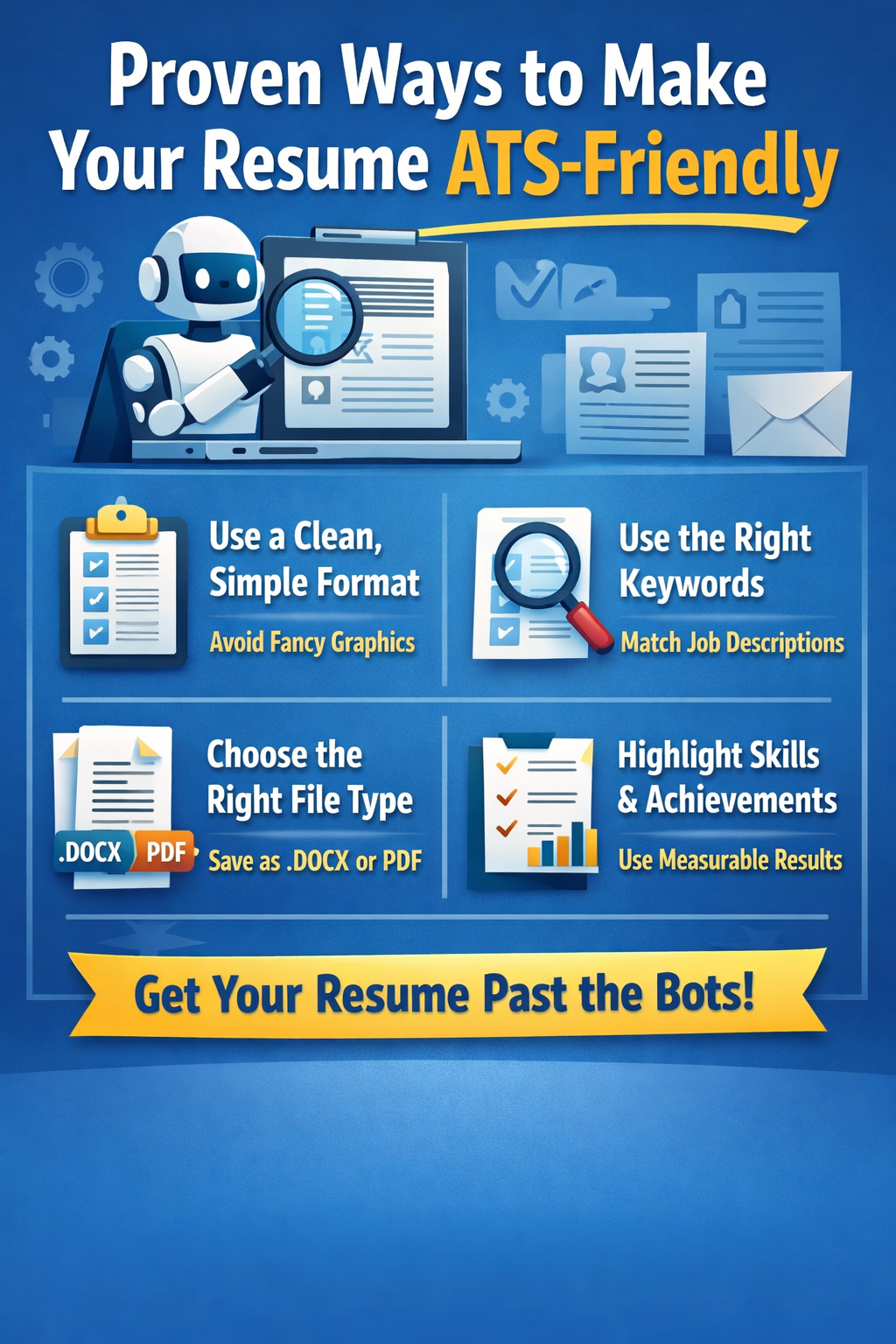
Before a recruiter ever reviews your resume, it typically passes through an Applicant Tracking System (ATS). These systems scan resumes for keywords, qualifications, and formatting structure. If your resume doesn’t align with what the system is programmed to recognize, it may get filtered out automatically.
The good news? You don’t need to “trick” the system. You just need to understand how it works.
Let’s break down 12 proven, practical ways to make your resume ATS-friendly — without sacrificing professionalism or personality.
1. Use a Clean, Simple Format
Modern resume templates can look stunning — but many of them are ATS nightmares.
ATS software reads resumes by parsing text. If your resume includes multiple columns, graphics, text boxes, or decorative elements, the system may scramble the content or skip important sections entirely.
To stay safe:
- Use a single-column layout
- Choose standard fonts like Arial, Calibri, or Times New Roman
- Keep font size between 10–12 points
- Use basic bullet points (not symbols or special characters)
- Avoid tables unless absolutely necessary
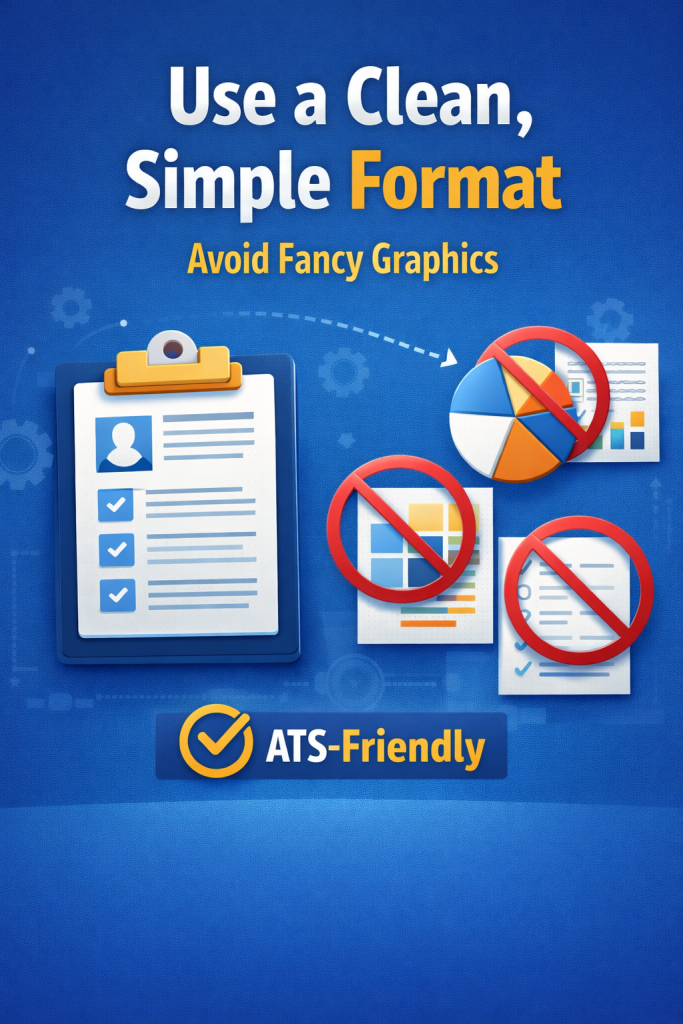
Think of your resume like a well-organized document rather than a design project. Once it reaches a human, clarity will always win over flashy formatting.
2. Use Keywords From the Job Description
If there’s one rule that matters most, it’s this: mirror the language of the job posting.
ATS software scans for keywords that match the employer’s requirements. These may include:
- Required skills (e.g., “data analysis,” “budget forecasting”)
- Software tools (e.g., “Salesforce,” “Python,” “QuickBooks”)
- Certifications (e.g., “PMP,” “CPA,” “SHRM-CP”)
- Industry-specific terminology
Carefully review the job description and highlight recurring words or phrases. Then incorporate them naturally into your resume — especially in your summary, skills section, and work experience.
For example:
If the job requires “cross-functional collaboration,” don’t just write “worked with multiple teams.” Use the exact phrase if it accurately reflects your experience.
Precision increases your match score.
3. Match Job Titles When Appropriate
ATS systems often scan for relevant job titles.
If your previous company used a creative or unconventional title, the system might not recognize it as relevant.
For example:
“Digital Marketing Ninja” may not register as “Digital Marketing Specialist.”
You can clarify by writing:
Digital Marketing Specialist (Digital Marketing Ninja)
This keeps your resume honest while aligning with industry-standard terminology.
Recruiters appreciate clarity — and ATS systems depend on it.
4. Avoid Headers and Footers
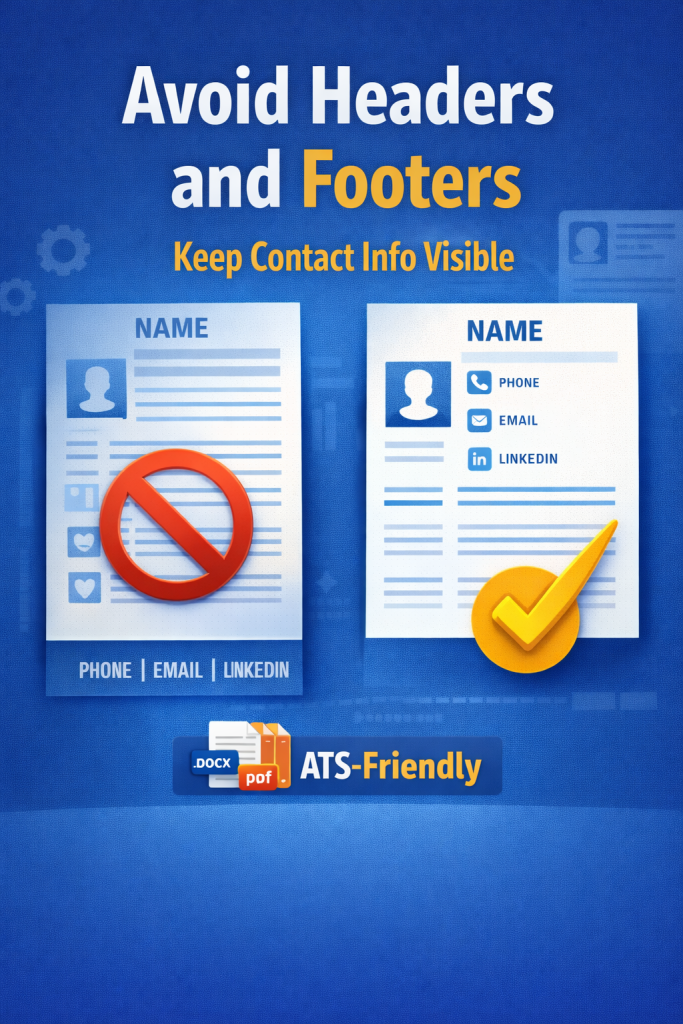
Many job seekers place their contact information in the header or footer of their resume.
Unfortunately, some ATS systems ignore these sections entirely.
If your phone number or email address isn’t properly parsed, the employer might not be able to contact you — even if you’re selected.
Instead, place your contact information directly beneath your name in the main body:
- Full Name
- Phone Number
- Professional Email
- LinkedIn URL
Simple and visible is best.
5. Choose the Right File Format
File type matters more than most people realize.
While many ATS systems can read PDFs, some older systems struggle with them. Unless the job posting specifies otherwise, a .docx file is generally the safest option.
Here’s a quick guideline:
- If the employer requests a specific format, follow it exactly.
- If no format is specified — use .docx.
- If submitting through a modern ATS portal — PDF is usually acceptable.
When in doubt, keep it simple and compliant.
6. Use Standard Section Headings
ATS systems are programmed to look for recognizable section titles.
Creative headings may confuse the system.
Instead of:
“Where I’ve Made an Impact”
Use:
“Work Experience”
Standard section headings include:
- Professional Summary
- Work Experience
- Skills
- Education
- Certifications
- Projects
The clearer your structure, the easier it is for the ATS to categorize your information correctly.
7. Don’t Rely on Graphics for Important Information
Visual elements may look impressive, but ATS systems can’t interpret them.
Skill bars, pie charts, star ratings, icons — these are often ignored because they’re treated as images rather than readable text.
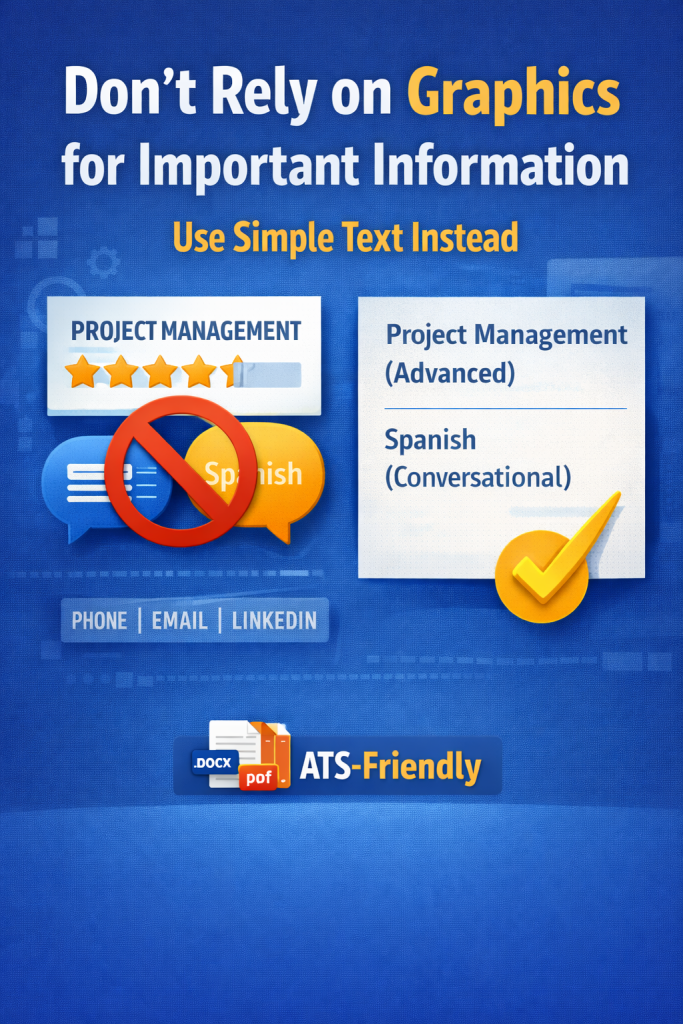
Instead of:
★★★★★ Leadership
Write:
Leadership (Advanced)
Or better yet, demonstrate your leadership with measurable results in your experience section.
If the information matters, make sure it appears in plain text.
8. Spell Out Acronyms (At Least Once)
Recruiters may search using acronyms. ATS systems may search using full phrases. Cover both bases.
For example:
Search Engine Optimization (SEO)
Customer Relationship Management (CRM)
Human Resources Information System (HRIS)
Once you’ve spelled it out the first time, you can use the acronym afterward.
This increases keyword matching without cluttering your resume.
9. Optimize Your Skills Section Strategically
Your skills section is prime real estate for ATS scanning.
Instead of listing random abilities, tailor your skills to match the job description.
Organize them clearly:
Technical Skills
• SQL
• Tableau
• Microsoft Excel (Advanced)
Soft Skills
• Cross-functional collaboration
• Strategic planning
• Client relationship management
Avoid keyword stuffing — recruiters can spot that instantly. Instead, ensure your listed skills are backed up by examples in your experience section.
Relevance beats volume every time.
10. Use Clear, Achievement-Based Bullet Points
ATS systems scan for action verbs and measurable results. Recruiters do too.
Avoid vague responsibilities like:
“Responsible for managing team.”
Instead, write:
“Led a team of 8 sales representatives, increasing quarterly revenue by 22%.”
Strong bullet points should:
- Start with an action verb
- Include measurable outcomes when possible
- Highlight impact, not just duties
Metrics (percentages, dollar amounts, growth rates) strengthen both ATS ranking and recruiter interest.
11. Avoid Uncommon Abbreviations or Internal Jargon
Every industry has shorthand. But ATS systems may not recognize informal or internal abbreviations.
Instead of:
“Managed Biz Dev ops”
Write:
“Managed Business Development operations.”
Avoid company-specific terms unless you explain them clearly.
Your resume should be understandable to someone outside your organization — and to a machine scanning for standardized language.
12. Test Your Resume Before Submitting
Before applying, do a simple test:
- Copy your resume text into a plain-text document (like Notepad).
- Remove formatting.
- Check if the structure still makes sense.
If the text appears jumbled or sections disappear, the ATS may struggle too.
You can also:
- Use online ATS resume scanning tools
- Compare your resume directly with the job description
- Check keyword alignment
A few extra minutes of testing can significantly increase your chances of getting noticed.
Final Thoughts
Making your resume ATS-friendly isn’t about manipulating software.
It’s about clarity, alignment, and strategic presentation.
When you:
- Use clean formatting
- Mirror job-specific keywords
- Focus on measurable achievements
- Follow standard conventions
You dramatically improve your odds of passing the initial screening.
Remember — the goal isn’t just to beat the system.
It’s to make sure your experience is understood, categorized correctly, and seen by the people who make hiring decisions.
Once your resume gets in front of the right eyes, that’s when your real strengths can take center stage.