

 4.9
4.9 4.5
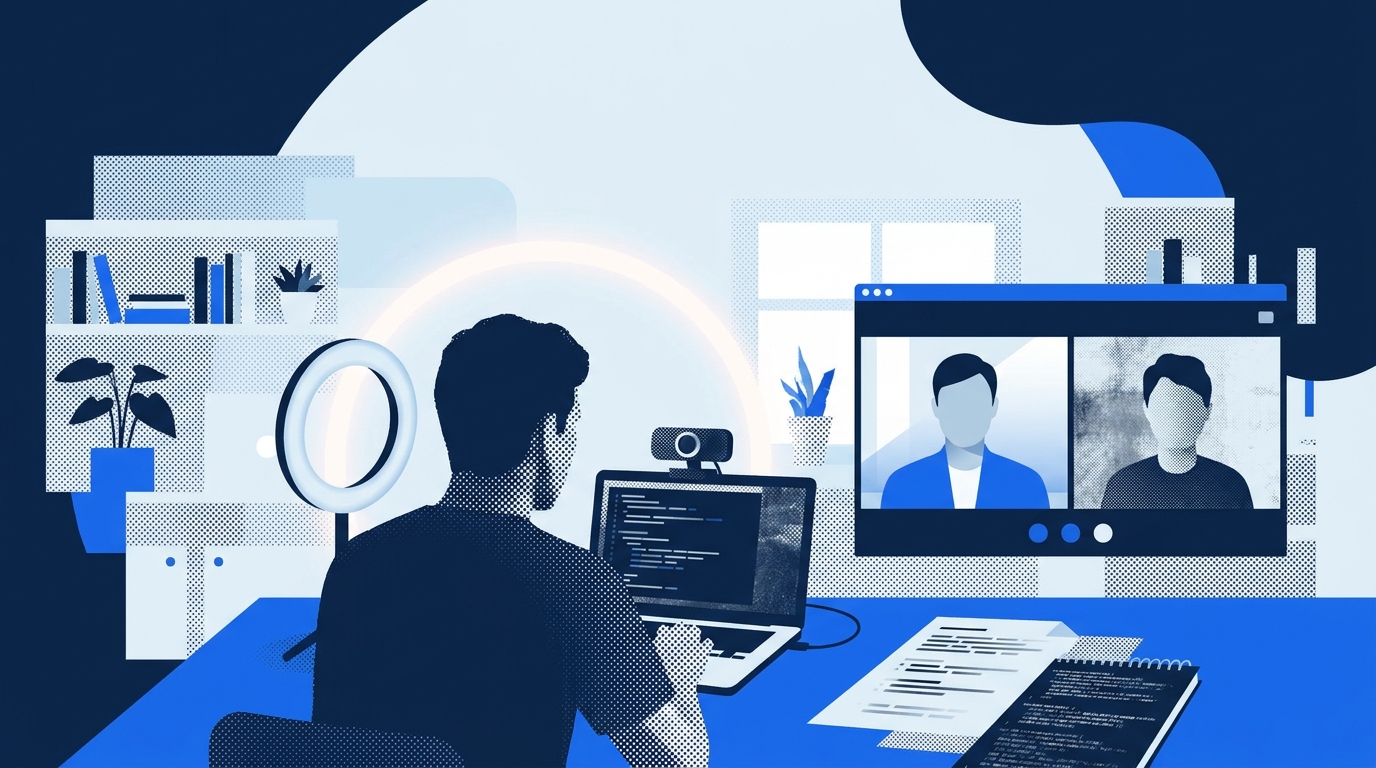
4.5A remote interview preparation guide published May 8, 2026, on DEV Community identifies camera placement and lighting as the two technical factors that most significantly affect developer interview performance on video calls, according to the post by InterviewAce.
The guide addresses what the author describes as a performance gap between developers who optimize their video setup and those who treat remote interviews identically to in-person meetings. Video compression reduces expressiveness, the article notes, forcing interviewers to make stronger snap judgments with less signal.
Technical Setup Recommendations
The guide prioritizes lighting above all other visual factors. Light should originate from in front of the candidate, not behind or overhead, according to the post. Developers sitting with windows or monitors behind them appear as dark silhouettes on camera, the article states.
A ring light positioned at eye level costs under $40 and represents what the guide calls “the single biggest visual upgrade available,” the author wrote.
Camera placement ranks as the second critical adjustment. Laptop cameras positioned on desks typically sit below eye level, creating an unflattering angle and breaking the appearance of eye contact, according to the guide. The article recommends raising laptops on books or stands until the camera lens aligns with the candidate’s eye line.
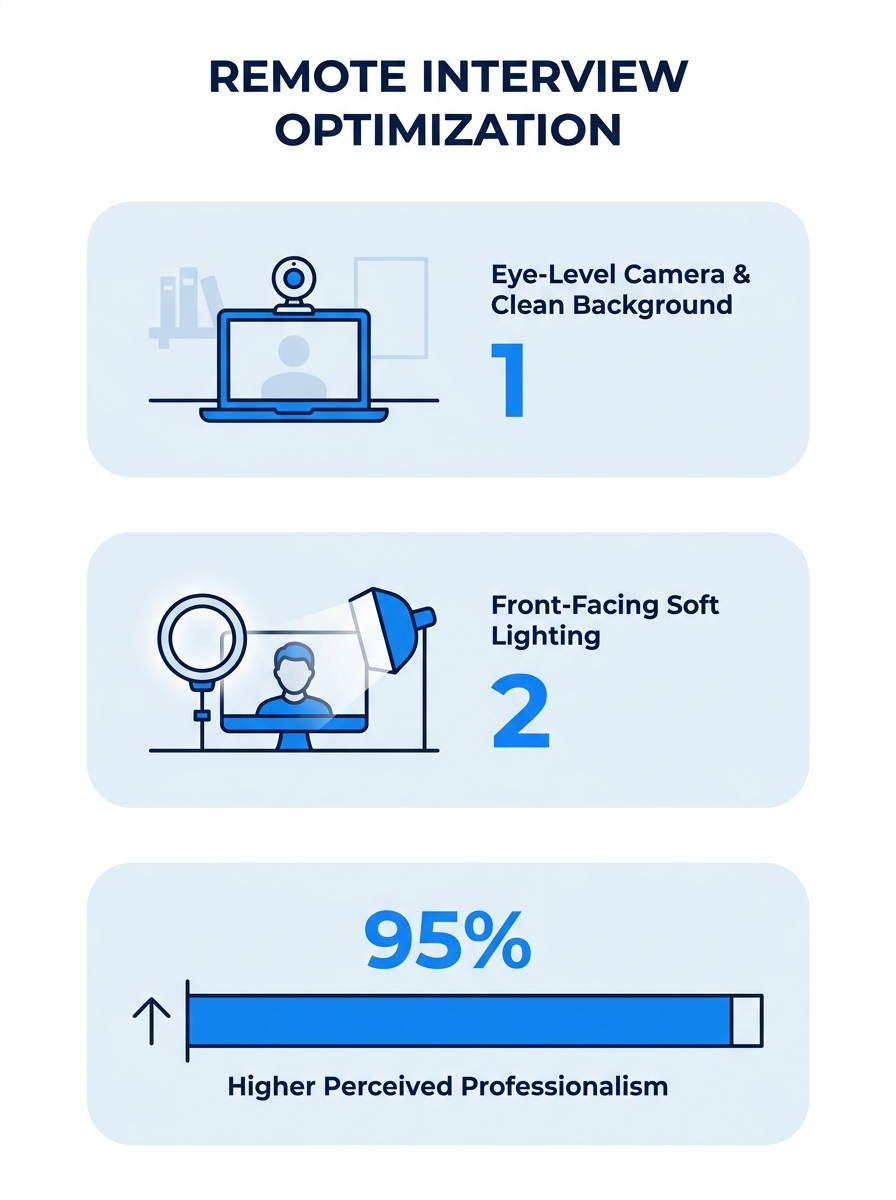
The post advises against virtual backgrounds, citing a “ghosting halo” effect that creates visual distraction. Clean, neutral backgrounds — a plain wall or tidy bookshelf — photograph more cleanly, the guide states.
Eye Contact Technique
The article identifies what it calls “the eye contact problem nobody talks about.” Looking at an interviewer’s face on screen is not equivalent to making eye contact with them, according to the post. When candidates look at faces on their monitors, they appear to be looking downward to the interviewer.
True video eye contact requires looking at the camera rather than the screen, the guide states. The article recommends positioning the video call window as close to the top center of the screen as possible, directly below the camera, to minimize the angle gap.
A practical technique outlined in the post involves looking at the interviewer’s face while they speak to catch visual cues, then shifting focus to the camera when delivering key points.
Pre-Interview Technical Checklist
The guide provides an eight-item technical checklist to run the evening before video interviews. Items include installing and updating the call platform in advance, testing camera angle and brightness, testing microphone for echo, using wired internet connections when possible, closing unnecessary applications, silencing notifications, and writing down interviewer contact information on paper.
That final point matters more than most candidates realize, according to the article. If a call drops mid-interview, being able to send a quick email signals competence in handling unexpected technical failures, the post states.
On-Screen Resources
The article addresses a dimension of video interviews that in-person formats do not permit. Video interviews allow candidates to have additional resources visible on their screens without the interviewer seeing them, according to the guide.
A second monitor, notes in an adjacent window, or AI tools running alongside the video call do not appear in the candidate’s video feed, the post notes. Interviewers see only the candidate’s face and background, not what else is on their screen.
The guide references InterviewAce, a tool the post describes as listening to interviews via system audio, identifying questions, and surfacing relevant talking points on screen in real time. The article emphasizes using such tools as memory aids rather than reading verbatim, stating that interviewers can detect the difference between thinking and reading even when they cannot see the candidate’s screen.
The post was published by InterviewAce on DEV Community, a platform for developer content. Autonix Lab, described as an AI and Web3 product studio, built the InterviewAce tool, according to the article.
Common Developer Mistakes
The guide lists five common mistakes developers make during video interviews. Reading from notes off-screen causes eyes to repeatedly leave the camera frame, signaling disengagement, according to the post. Checking one’s own video preview mid-interview indicates poorly executed setup, the article states.
Wearing fine patterns or stripes creates a moiré effect — a distracting visual interference pattern — on camera, the guide notes. Solid colors photograph more cleanly. Sitting too casually, such as couch posture, reads as low-effort on video, according to the post. The article recommends sitting in a proper chair, slightly forward.
Previous research on interview preparation has found that storytelling in first responses outperforms credential lists in establishing candidate rapport. Technical setup factors, however, determine whether those answers get heard clearly in the first place.
What Happens Next
Video interviews continue as the default first round for most technical roles, making setup optimization a recurring necessity rather than a one-time concern. Developers who treat each video interview as requiring the same technical checklist gain a consistent advantage over candidates who approach setup casually, according to the guide.
The rise of AI tools during live interviews introduces a parallel technical dimension. Candidates must balance setup optimization with decisions about which on-screen resources to deploy and how to use them without appearing to read scripted responses. The effectiveness gap between candidates who handle both dimensions and those who handle neither will likely widen as remote interviews remain standard practice.
For developers preparing multiple rounds of technical interviews, the article’s checklist approach aligns with broader interview preparation frameworks that emphasize repeatable processes over one-time efforts.