


 4.9
4.9 4.5
4.5NCARB certification, state licensure, LEED AP credentials, and Autodesk Certified Professional status each belong in different locations on an architecture resume. The placement order signals professional maturity to hiring managers before they read a single project description, and getting the technical credentials hierarchy wrong buries your strongest qualifications beneath mid-tier software lists.
TL;DR: Architecture resumes perform best when credentials follow a three-tier structure: licensure and registration at the top (header or summary), industry certifications in a dedicated mid-resume section, and software tools in a detailed skills block with proficiency levels. Vague lines like “knowledge of CAD software” actively hurt you.
Licensure and NCARB Certification Go in Your Header
Your architecture license and NCARB certificate are the two credentials that separate you from every unlicensed designer competing for the same role. They belong in the most visible real estate on your resume: directly after your name, or within the first two lines of your professional summary.
NCARB is a non-profit federation of architectural registration boards that facilitates reciprocal licensure across U.S. states and Canadian provinces. Holding an NCARB certificate means you’ve completed the Architectural Experience Program (AXP), passed all 6 divisions of the ARE 5.0, and met the education requirements through an NAAB-accredited program. That credential carries weight because it’s the mechanism most states require for license portability. As EVstudio explains, NCARB keeps records for the Intern Development Program that most states require for licensure, making the certificate “an essential part of architectural licensure.”
For AIA NCARB certification placement, follow this pattern: list “RA” (Registered Architect) or your state license number and “NCARB” as post-nominal credentials right after your name. Think “Jane Doe, RA, NCARB, LEED AP BD+C.” AIA membership, while professionally valuable, ranks below licensure because it’s a voluntary association rather than a regulatory credential. Place it after NCARB in your post-nominals.
If you haven’t yet completed the ARE, don’t hide that. List your progress clearly: “ARE 5.0: 4 of 6 divisions passed” in your education or credentials section. Hiring managers at firms with 50+ employees expect to see exactly where you stand in the licensure pipeline, and ambiguity raises questions you don’t want raised.
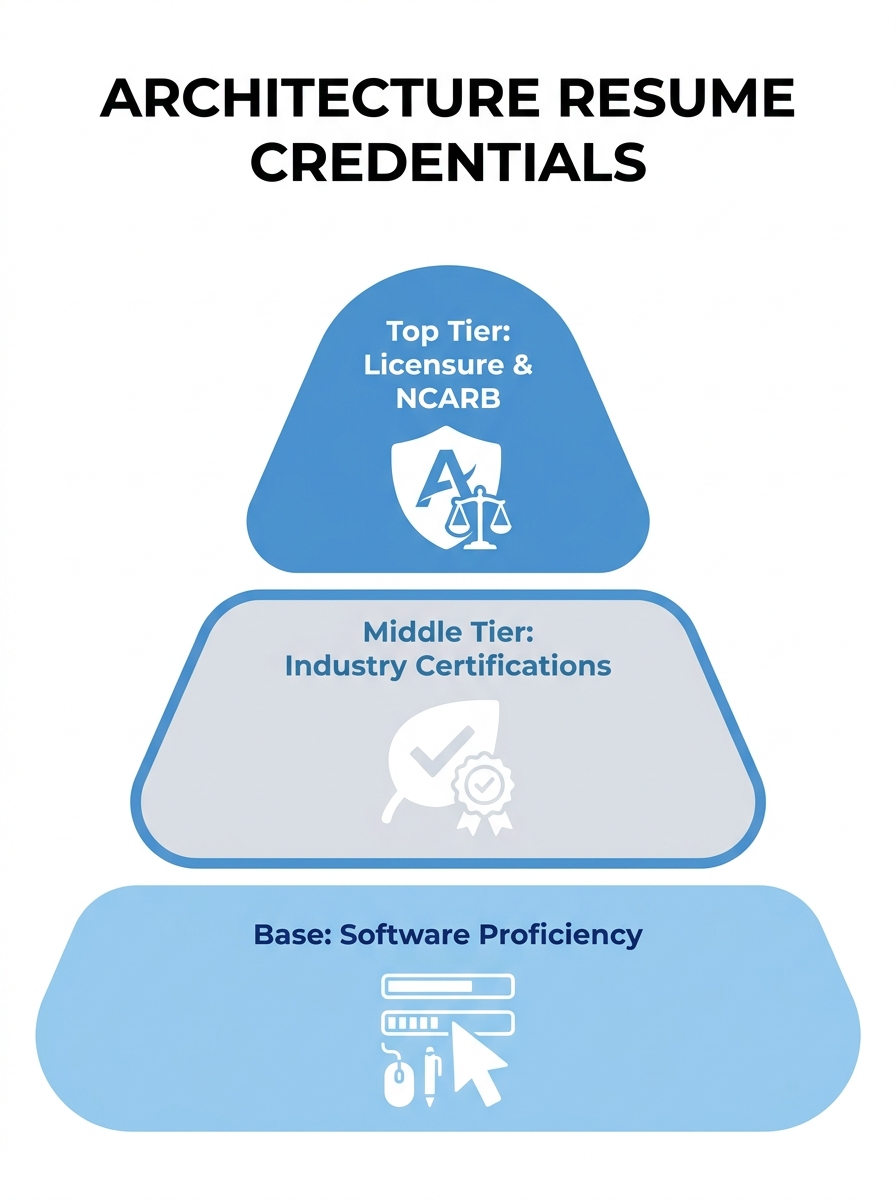
The Three-Tier Credential Placement Model
Why does placement matter so much for architecture credentials specifically? Because the profession has an unusually layered credentialing system, and reviewers scan for specific items at specific positions on the page. A framework built around three tiers clarifies the decisions:
| Tier | What Belongs Here | Where on Resume | Examples |
|---|---|---|---|
| Tier 1: Regulatory | Licenses, registrations, exam status | Header post-nominals or top summary line | RA, NCARB Certificate, ARE 5.0 progress |
| Tier 2: Industry | Sustainability and specialty certifications | Dedicated “Certifications” section, mid-resume | LEED AP BD+C, WELL AP, Passive House (CPHD), ACP |
| Tier 3: Technical | Software proficiency, tools, platforms | Detailed “Technical Skills” section, lower-mid resume | Revit (advanced), Rhino + Grasshopper, Enscape, Navisworks |
This separation matters because nearly 90% of employers now use AI-driven systems to filter resumes, and ATS software parses these credential types differently. Lumping your NCARB certificate into the same bullet list as your Rhino proficiency creates a parsing problem: the system may categorize your license as a “skill” rather than a “certification,” potentially filtering you out of searches that require licensed architects.
BIM Software Demands Its Own Dedicated Section
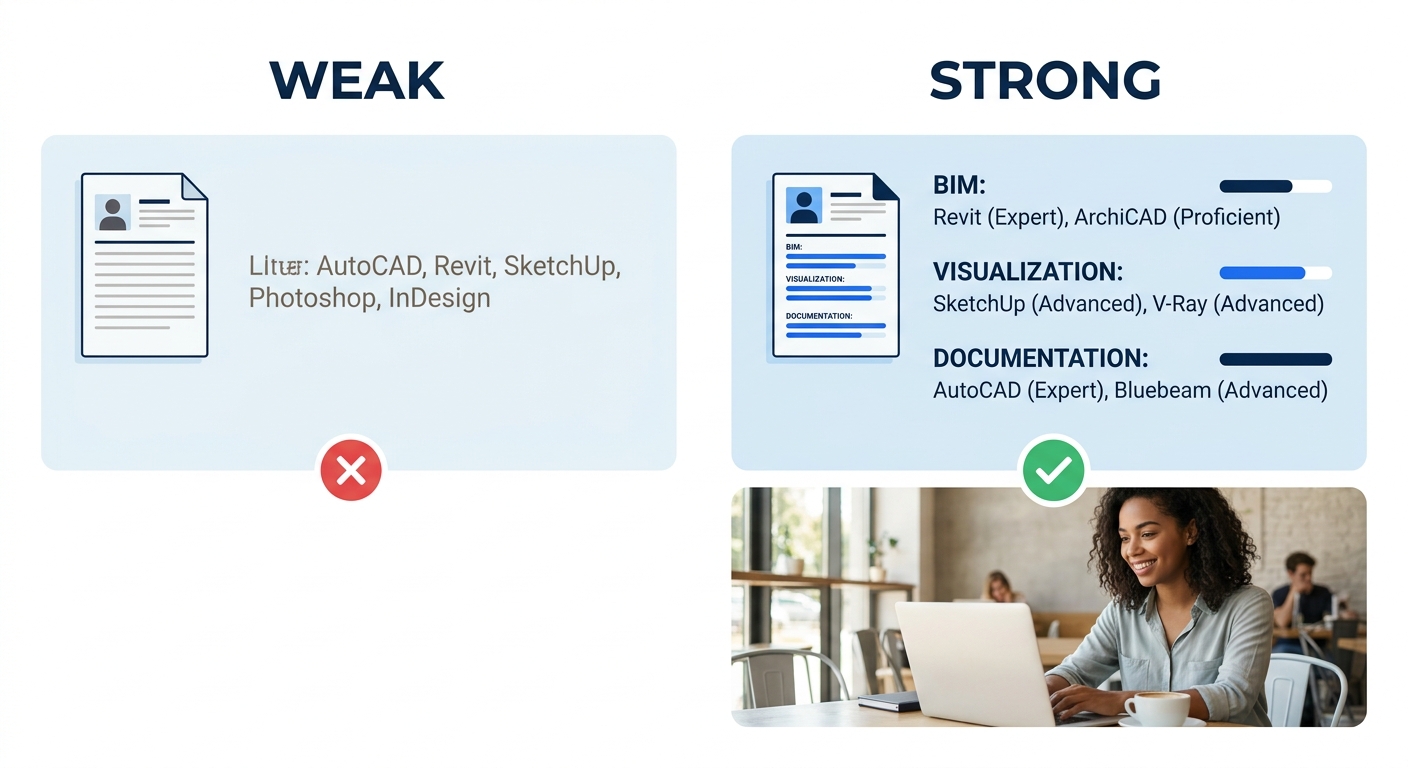
The architecture resume skills section for BIM tools needs granularity that a generic “Skills” heading can’t deliver. According to Resume Worded’s 2026 architecture resume guide, “proficiency with industry-standard software is essential for modern architecture practice,” and the guidance is explicit: “list the specific programs you know and your skill level with each one.” Blanket statements like “knowledge of CAD software” don’t provide meaningful information.
For a BIM software resume section, break your tools into functional categories rather than dumping them into a single comma-separated line. Here’s what an effective layout looks like:
BIM & 3D Modeling: Autodesk Revit (advanced), Rhino 7 + Grasshopper (intermediate), ArchiCAD (proficient)
Visualization: Enscape (advanced), Lumion 14 (intermediate), V-Ray 6 (basic)
Documentation & Coordination: AutoCAD 2026 (advanced), Navisworks Manage (intermediate), Bluebeam Revu (advanced)
Analysis: Sefaira (intermediate), Ladybug Tools (basic), cove.tool (intermediate)
This format accomplishes 3 things simultaneously. It shows the hiring manager which phase of the design process you can contribute to. It gives the ATS specific software keywords to match against the job posting. And it pre-answers the interview question “So, are you actually good at Revit, or did you just open it once?”
BIM engineers and specialists should note that hard skills in Autodesk Revit, Navisworks, and AutoCAD are the baseline expectation for creating digital models and simulations. Listing these without proficiency indicators puts you at the same level as every other applicant who typed “Revit” into their skills section.
Sustainable Design Credentials Deserve a Standalone Section
LEED AP, WELL AP, Passive House certification (CPHD/CPHC), and Living Building Challenge credentials have grown from nice-to-have differentiators into screening criteria at firms focused on high-performance buildings. According to Beamjobs’ architecture resume guide, you should create a separate section labeled “Sustainable Design Projects” that lists project names alongside certifications like LEED AP and WELL AP, the scope of work, tools used, achievements, and measurable impact.
This is where your architecture resume skills section can genuinely distinguish you. Instead of writing “Experienced in sustainable design,” pair each credential with a project outcome: “LEED AP BD+C — led documentation for 120,000 SF office achieving LEED Gold, reducing projected energy use by 35% against ASHRAE 90.1 baseline.” The credential proves you passed the exam. The project outcome proves you applied it.
If you’re building your resume around portfolio projects that carry more weight than words alone, your sustainable design section bridges the gap between the visual work in your portfolio and the text-based proof that ATS systems need to surface your application.
Software Certifications vs. Professional Licenses
Job postings increasingly specify credentials like “Expert-level Revit skills” or “Autodesk Certified Professional preferred”, and the Autodesk Certified Professional (ACP) designation tests advanced proficiency in specific products like AutoCAD, Revit, and 3ds Max through a rigorous examination format. But where does the ACP sit relative to your RA license?
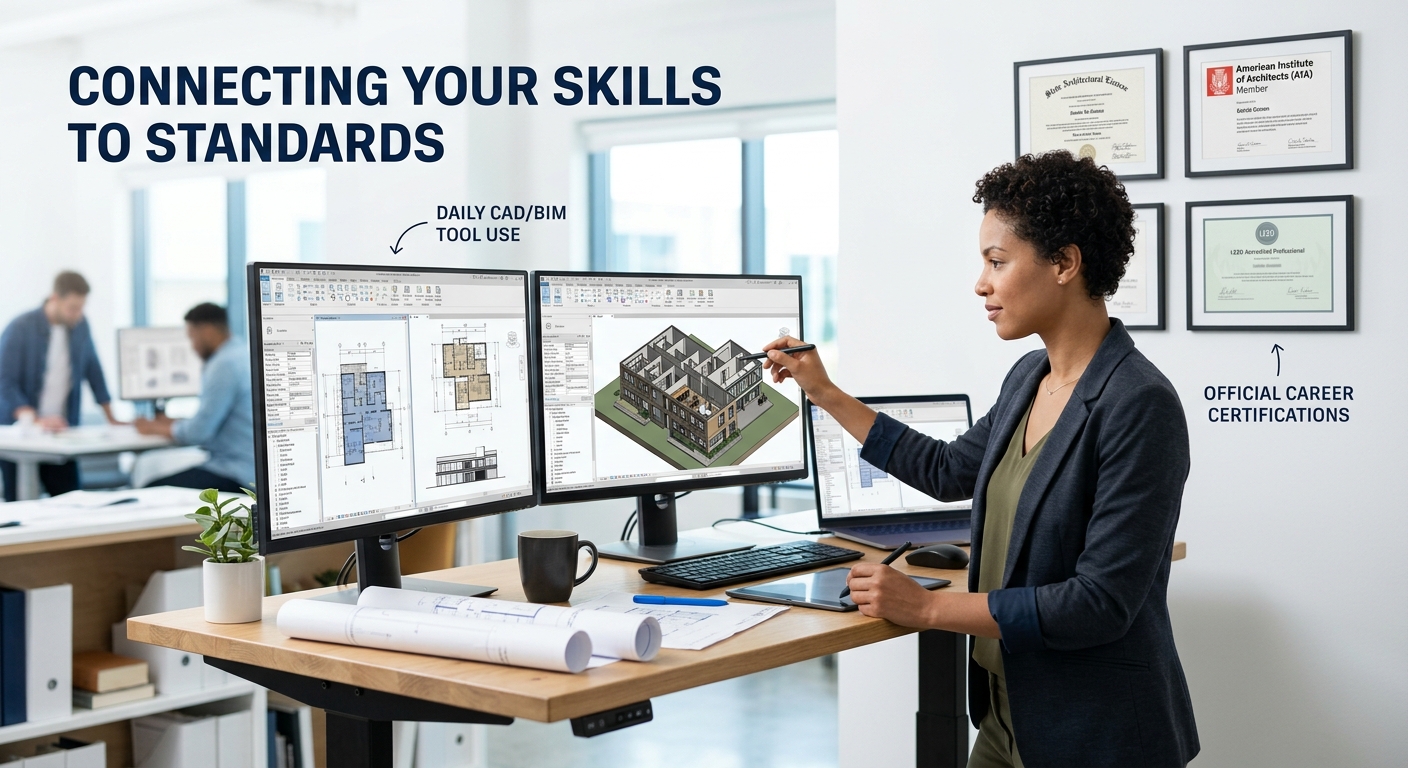
The answer follows the three-tier model. The ACP is a Tier 2 credential — it belongs in your certifications section, below your licensure but above your general software list. Think of it this way: your RA license says you’re legally qualified to stamp drawings. Your ACP says you’ve demonstrated tested competency in the tool you’ll use to produce those drawings. Your “Revit (advanced)” line in the skills section says you use the software daily. Each level supports the one above it.
Your RA license says you’re legally qualified to stamp drawings. Your ACP says you’ve demonstrated tested competency in the tool. Your skills-section proficiency line says you use it daily. Each level supports the one above it.
When you’re deciding how to balance impressive credentials against authentic representation, keep this hierarchy in mind. A licensed architect with an ACP and specific proficiency levels tells a clearer professional story than someone who lists 22 software tools without context, which is a pattern that makes hiring managers skeptical rather than impressed.
Proficiency Indicators That Actually Mean Something
The design tool proficiency display on your resume needs to avoid two common traps: meaningless progress bars (what does “75% proficient in AutoCAD” even mean?) and unqualified self-assessments. Instead, tie proficiency to observable outputs.
“Advanced” should mean you can train others, troubleshoot complex model issues, and work without reference documentation. “Intermediate” means you complete standard tasks independently but consult references for edge cases. “Basic” means supervised use or coursework-level familiarity.
Some architects use project-anchored proficiency: “Revit — 8 years, 14 projects from SD through CD, families and adaptive components.” This format works particularly well for firms that screen by years of software experience, and it gives the ATS parsing systems clear data points to extract.
Tip: Drop the skill bars and pie charts. Use a three-level system (Advanced / Intermediate / Basic) with a brief qualifier. “Grasshopper (intermediate — parametric facade optimization)” gives a reviewer more signal in 6 words than a colored bar ever could.
If you’ve completed formal software certifications, the continuous learning section of your resume is the wrong home for them. Autodesk certifications are professional credentials, not coursework. They belong with your other Tier 2 certifications, where they reinforce your technical narrative rather than getting lost among online course completions.
What Still Isn’t Settled
The architecture profession hasn’t standardized how to represent AI-adjacent tools on resumes. If you’re using Midjourney for early concept visualization, Spacemaker AI for site analysis, or computational design workflows through Grasshopper, there’s no consensus on whether these belong in your technical skills section, your project descriptions, or a separate “Emerging Tools” block. Firms are split: some actively recruit for AI-augmented workflows, while others view them skeptically.
The safest approach for now is to include AI and computational design tools in your Tier 3 technical skills section with clear context (“Midjourney — early-phase massing studies and client presentation concepts”), and then demonstrate the output in your portfolio. As firms develop clearer expectations around these tools, the placement will likely formalize. Until then, specificity about how you use them matters more than where you list them.