


 4.9
4.9 4.5
4.5Tailored cover letters produce a 16.4% callback rate, compared to 12.5% for generic letters and 10.7% for applications with no letter at all, according to a ResumeGo field experiment. This guide walks you through downloading a free letter cover template, customizing every section for the job you want, and exporting a file that passes ATS screening. Budget about 30 minutes for your first letter.
TL;DR: Download a single-column, ATS-compatible letter cover template in .docx format, fill in seven sections (header, greeting, opening, body, achievement, close, sign-off), and export as a PDF named FirstName_LastName_CoverLetter.pdf. The whole process takes one sitting.
Before You Start
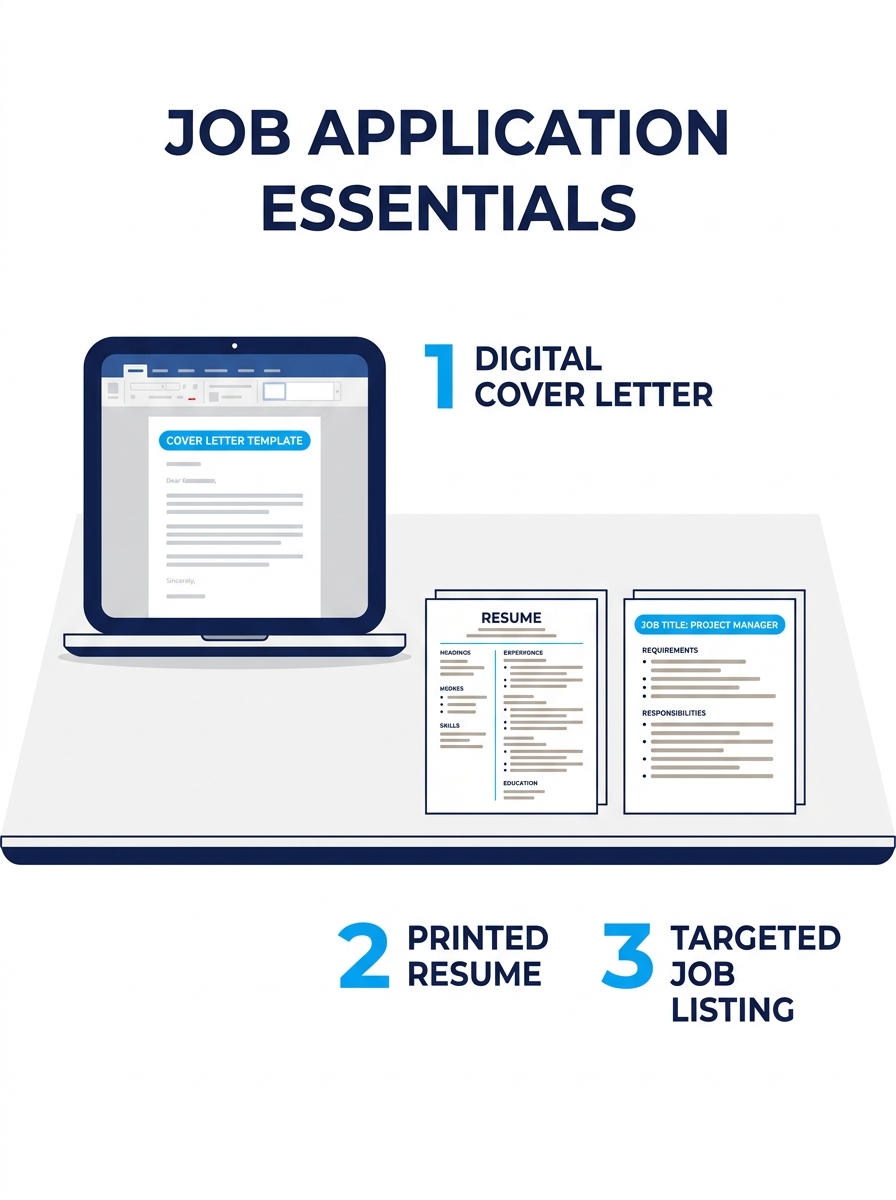
You need four things ready before you touch a template. First, a computer with access to Microsoft Word, Google Docs, or Canva, all three platforms offer free letter cover template options. Second, the specific job posting you’re applying to, open in a browser tab so you can reference the title, company name, and required qualifications. Third, your current resume, because you’ll pull dates, job titles, and achievement numbers directly from it. Fourth, roughly 30 minutes of uninterrupted time.
A Resume Genius survey found that 83% of hiring managers read cover letters even when the posting marks them “optional,” and 94% say the letter influences their interview decisions. So if you’ve been skipping cover letters because they feel like busywork, the data says otherwise.
You don’t need design skills. You don’t need paid software. You do need the specific job listing and your resume side by side.
Choosing the Right Template Format
The single most important decision happens before you write a word: picking a format that applicant tracking systems can actually read. Single-column, plain-text layouts saved as .docx or text-based PDF are preferred by ATS parsers. Sidebars, text boxes, headers/footers with contact info, and multi-column designs cause parsing errors that strip your information before a recruiter ever sees it.
Three platforms dominate the free letter cover template space:
| Platform | Number of Templates | File Formats | ATS Compatibility | Design Flexibility |
|---|---|---|---|---|
| Microsoft Word | 50+ | .docx, PDF | High (single-column) | Moderate |
| Canva | 100+ | PDF, PNG, JPG | Mixed (many use graphics) | High |
| ResumeGenius | 200+ free templates | .docx, Google Docs | High | Low to moderate |
If you’re applying to corporate, finance, banking, or government roles, stick with Word or ResumeGenius templates. The designs are conservative, but that’s the point. If you’re in a creative field, graphic design, marketing, UX, Canva’s templates give you more visual range, though you’ll need to verify the output doesn’t use text boxes that ATS software can’t read. We’ve covered how Canva’s builder handles formatting in detail, and the key takeaway is to always test your exported PDF by copying all the text into a plain text editor. If the text pastes in order and nothing’s missing, the file is parseable.
Tip: Use professional fonts: Arial, Calibri, or Times New Roman at 10-12pt. These are universally readable across ATS platforms and screen sizes. Decorative fonts get flagged or rendered incorrectly in about 1 in 5 systems.
Download and Open the File
Go to your chosen platform. For Microsoft Word, visit Word’s cover letter template library and double-click any free template to open it directly in the web editor. For Google Docs, ResumeGenius offers direct Google Docs integration, click “Google Docs” on the template page and it copies into your Drive. For Canva, select a template and click “Customize this template.”
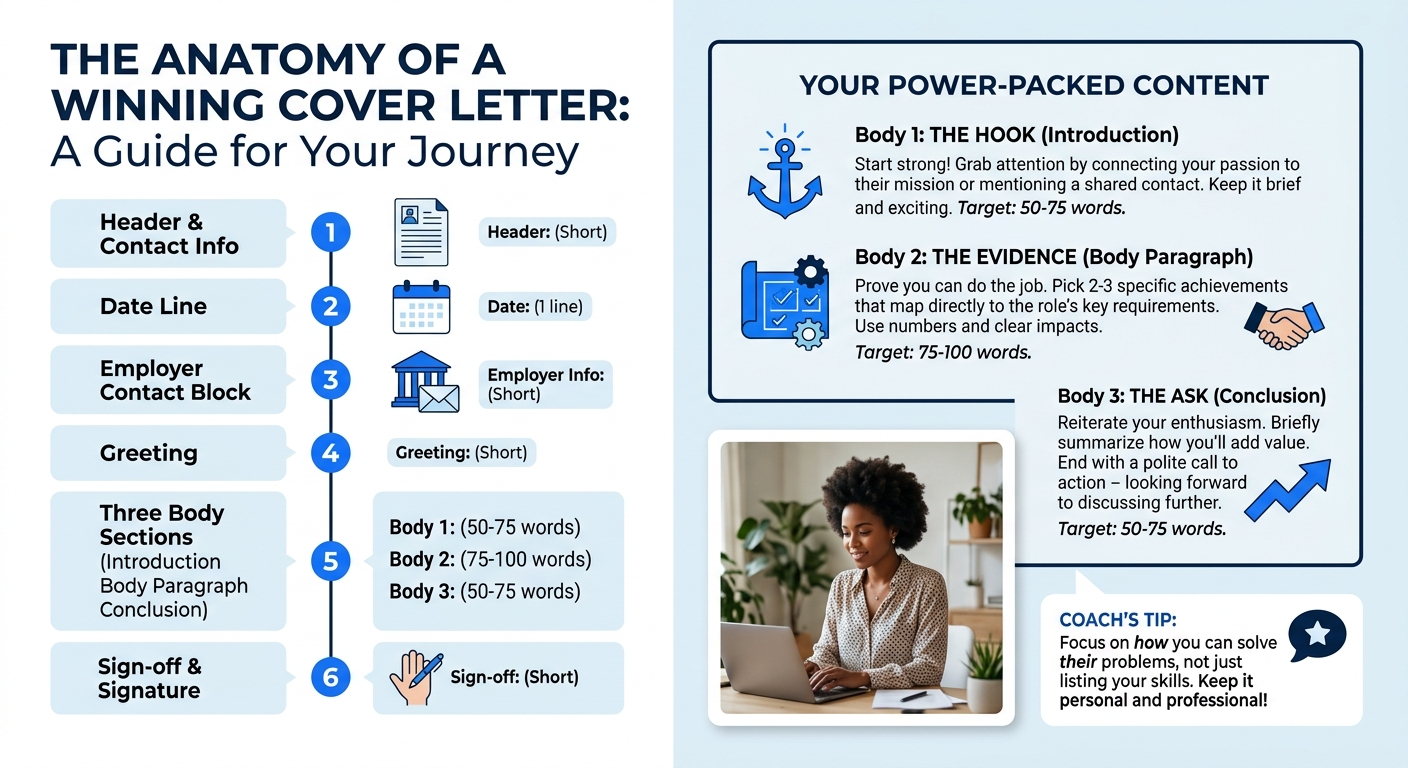
You’ll know this step worked when you’re staring at a pre-formatted document with placeholder text like “[Your Name]” and “[Company Name].” Don’t start editing randomly. Read through the entire template first to understand its structure. Every professional letter cover template follows the same six-part architecture: header, greeting, opening paragraph, body paragraph, closing paragraph, and sign-off.
Save a copy immediately with a working filename so you don’t accidentally overwrite the blank template. You’ll rename it properly in the final step.
Fill In Your Header and Greeting
Your header sits at the top of the document and contains your contact information: full name, phone number, professional email address, city and state (full street address is no longer expected), and optionally your LinkedIn profile URL. Below that, add the date, followed by the employer’s contact block, hiring manager’s name, their title, company name, and company address.
According to Indeed’s cover letter formatting guide, you should “use a professional email address” that’s ideally a variation of your name. A [email protected] reads as professional. A gamertag or novelty address does not.
For the greeting, the hierarchy is clear. If you know the hiring manager’s name, use “Dear [First Name] [Last Name].” If you don’t, “Dear Hiring Manager” works. “Dear [Department] Team” is acceptable for team-based applications. Avoid “To Whom It May Concern”, it signals you didn’t try to identify your reader.
If you’re building your LinkedIn profile strategically, you can often find the hiring manager’s name through the company page or by searching “[Company Name] + [Department] + manager” on LinkedIn.
Writing an Opening That Names the Job
The opening paragraph is 2-3 sentences, roughly 40-60 words. It does three things: states your profession, names the exact position you’re applying for, and mentions how you found the listing. Grammarly’s cover letter guide puts it simply: “Introduce yourself. Explain your profession, the position title you’re applying for, and how you heard about it.”
Here’s a before/after to show what this looks like in practice:
Weak opener: “I am writing to express my interest in the open position at your company. I believe my skills and experience make me a great fit.”
Strong opener: “I’m a supply chain analyst with six years of experience in logistics optimization, applying for the Senior Supply Chain Manager role at Dexter Manufacturing, which I found through your posting on LinkedIn.”
The strong version takes 8 seconds to read and tells the hiring manager exactly who you are, what job you want, and where you saw it. The weak version could be pasted into any application for any role at any company. That’s the problem.
If you’ve been struggling with making your application materials specific enough, this opening paragraph is where specificity matters most.
Build the Body Around One Achievement
The body paragraph, one to two paragraphs, 100-200 words total, is where your letter cover template earns its callback. As Zety’s writing guide frames it: “Think of your resume as the scoreboard, it shows the results of your skills and experience. Your cover letter connects the dots by explaining how you achieved those results, what motivates you, and why you’re a strong fit for the role.”
The STAR method (Situation, Task, Action, Result) works well here. The Muse’s cover letter guide recommends it specifically: “In a cover letter, you can use this method to paint a clear picture of a real work situation where you were able to showcase your qualifications and knowledge.”
Include at least one quantified achievement. “Improved efficiency by 15%” beats “improved efficiency.” “Managed a $2.3M budget across 4 departments” beats “managed budgets.” Numbers give hiring managers something concrete to evaluate, and they stand out in a stack of 50-100 applications where most candidates write in vague generalities.
Your resume is the scoreboard. Your cover letter explains the plays that got you there.
Mirror the language from the job description in your body paragraphs. If the posting says “cross-functional collaboration,” use that phrase when describing your experience. If it says “data-driven decision making,” echo it. This alignment helps both ATS keyword matching and human pattern recognition. For more on how to write achievement-driven content for your application materials, we break down specific examples by industry.
The Close, the Export, and the File Name
Your closing paragraph is 2-3 sentences. End with a concrete ask: request a conversation, state your availability, and thank the reader for their time. “I’d welcome the chance to discuss how my experience in logistics optimization could support Dexter’s Q3 expansion. I’m available for a call any weekday afternoon and can be reached at 555-867-5309” is specific and actionable. “I look forward to hearing from you” is filler.
Sign off with “Sincerely,” “Best regards,” or “Thank you,” followed by your full name.
Now export. The recommended format is PDF for most applications, because it preserves your layout across devices and operating systems. According to ResumeGenius’s formatting guide, you should “save it as a PDF or .docx” and “use a standard file format to make sure your cover letter can be easily opened on any device.” Check the job posting, some employers specifically request .docx files, and ignoring that instruction signals carelessness.
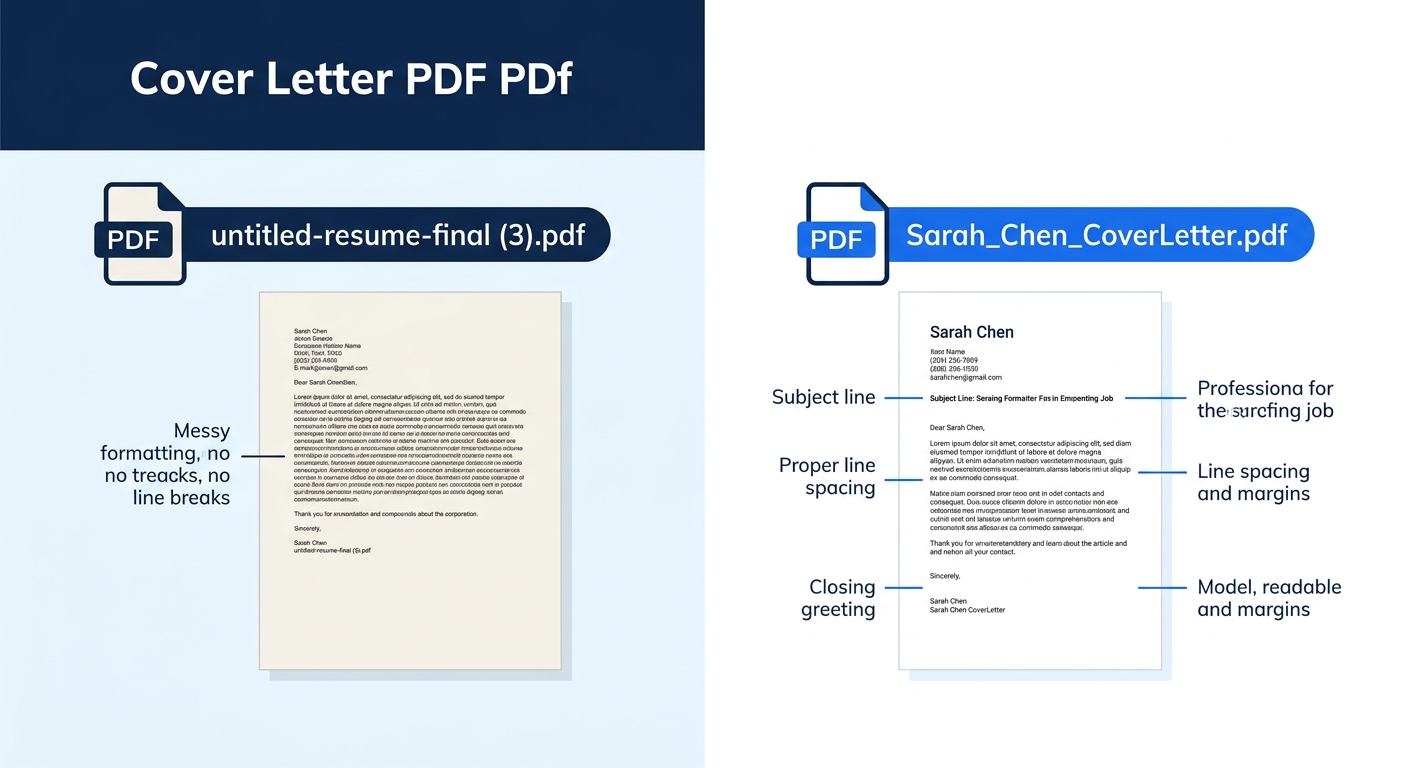
Name your file: FirstName_LastName_CoverLetter.pdf. This format is clean, professional, and instantly identifiable in a recruiter’s downloads folder. Don’t use spaces, don’t use “final_v3_REAL,” and don’t leave it as “Document1.pdf.”
Keep the entire letter between 250 and 400 words. Longer letters get skimmed, and experts consistently recommend staying within one page. At 10-12pt font with standard 1-inch margins, 400 words fills a page comfortably without looking sparse.
When Something Breaks
Three things go wrong most often with letter cover template customization:
The formatting collapses when you paste into an online application portal. This happens because portals strip formatting. Fix: keep a plain-text version of your letter (no bold, no italics, no bullet points) saved separately. Paste from that version into text-entry fields.
ATS strips your contact information. This happens when your name, email, or phone number lives inside a header or footer element rather than in the document body. Fix: move all contact information into the main body of the document, above the date line. Test by opening your PDF and pressing Ctrl+A (or Cmd+A on Mac), if the header text doesn’t highlight with the rest, ATS can’t see it either.
The letter reads as generic despite your edits. If you wrote “your company” instead of the actual company name even once, or left a placeholder like “[Position Title]” unfilled, the letter signals mass-application mode. Fix: use Ctrl+F to search for brackets, “your company,” and “the position” before exporting. Every instance should reference the specific employer and specific role by name.
Warning: Before you send anything, copy all the text from your PDF into Notepad or a plain text editor. If content is missing, out of order, or garbled, the ATS will see the same mess. This 30-second test catches layout problems that look fine on screen but break during parsing.
Where to Go From Here
Your letter cover template is downloaded, customized, exported, and named. The file is ATS-parseable, the content mirrors the job posting’s language, and you’ve got at least one quantified achievement anchoring the body.
For your next application, duplicate the file (don’t edit the original), swap in the new company name, job title, and relevant achievement, and re-export. The structural template stays the same, the customization layer changes every time. With practice, subsequent letters take 15-20 minutes instead of 30.
If your cover letter is pulling its weight but your resume isn’t keeping pace, look at strong cover letter examples alongside matching resumes to see how the two documents should complement each other. And if you’re sending these applications through LinkedIn, a well-optimized LinkedIn presence compounds the effect, recruiters who receive your application often check your profile within minutes of opening the letter.
