
 4.9
4.9 4.5
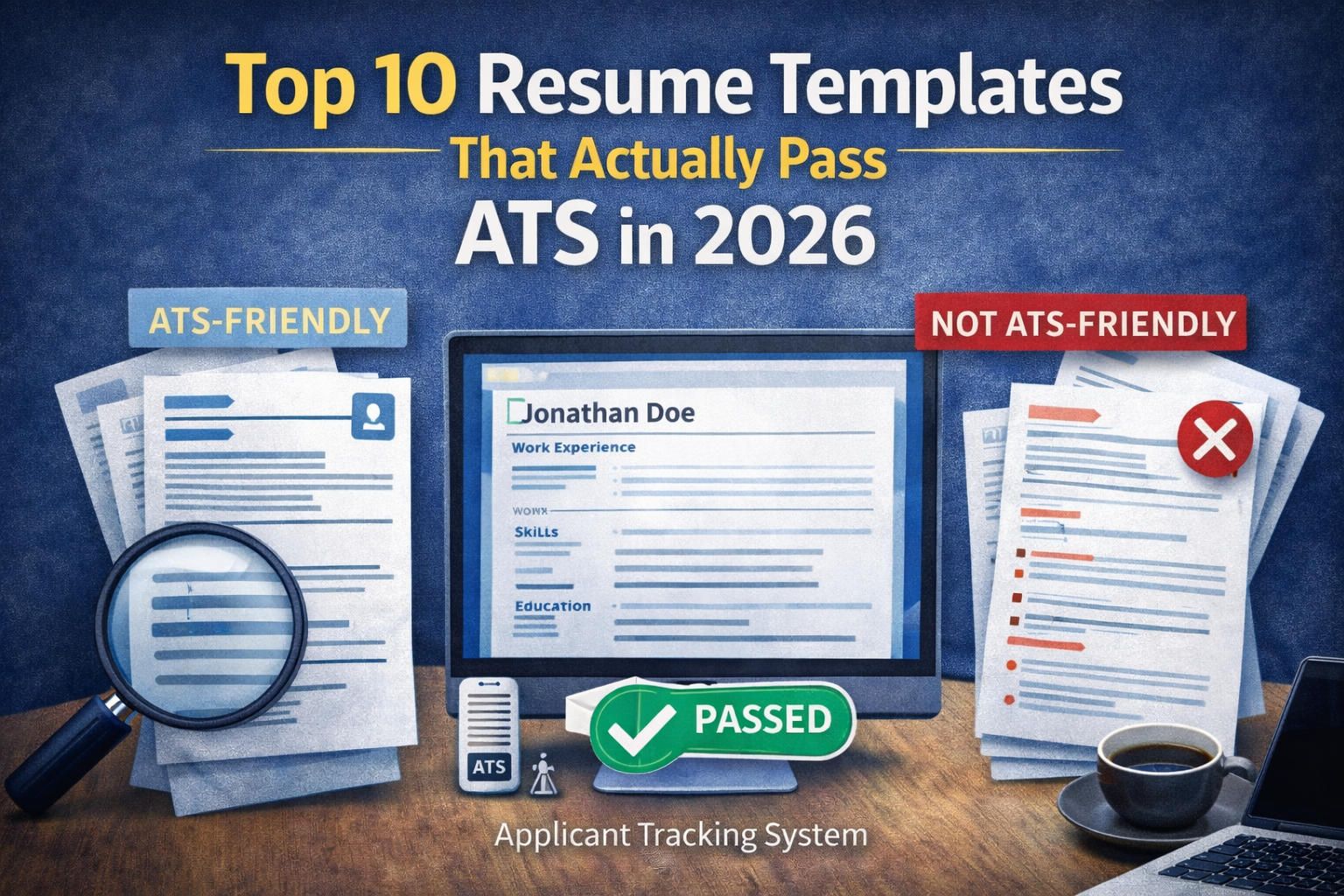
4.5In today’s job market, having a visually appealing resume isn’t enough—you also need one that can pass through Applicant Tracking Systems (ATS). These systems scan, filter, and rank resumes before a human recruiter even sees them.
That means your resume template plays a huge role in whether your application gets noticed or ignored.
The challenge? Many modern-looking templates are not ATS-friendly. Over-designed layouts, graphics, and complex formatting can confuse AI systems and cost you opportunities.
To help you avoid that, here are the top 10 resume templates that actually pass ATS in 2026, along with tips on how to use them effectively.
1. Classic Reverse-Chronological Template
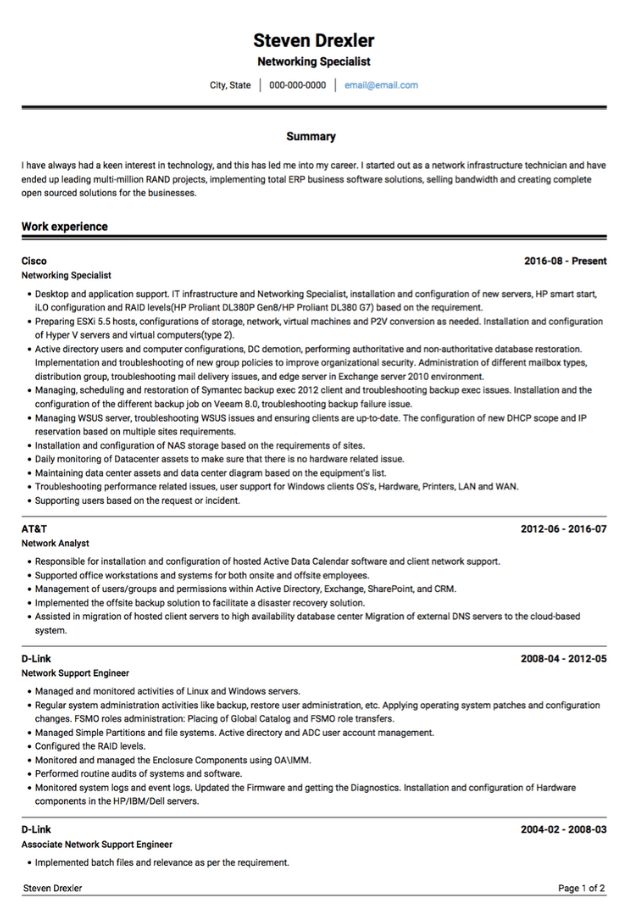
This is the gold standard for ATS compatibility. It lists your work experience starting with your most recent role.
Why it works:
- Easy for ATS to scan and parse
- Preferred by recruiters
- Highlights career progression clearly
Best for: Most professionals, especially those with consistent work history
2. Minimalist Single-Column Template
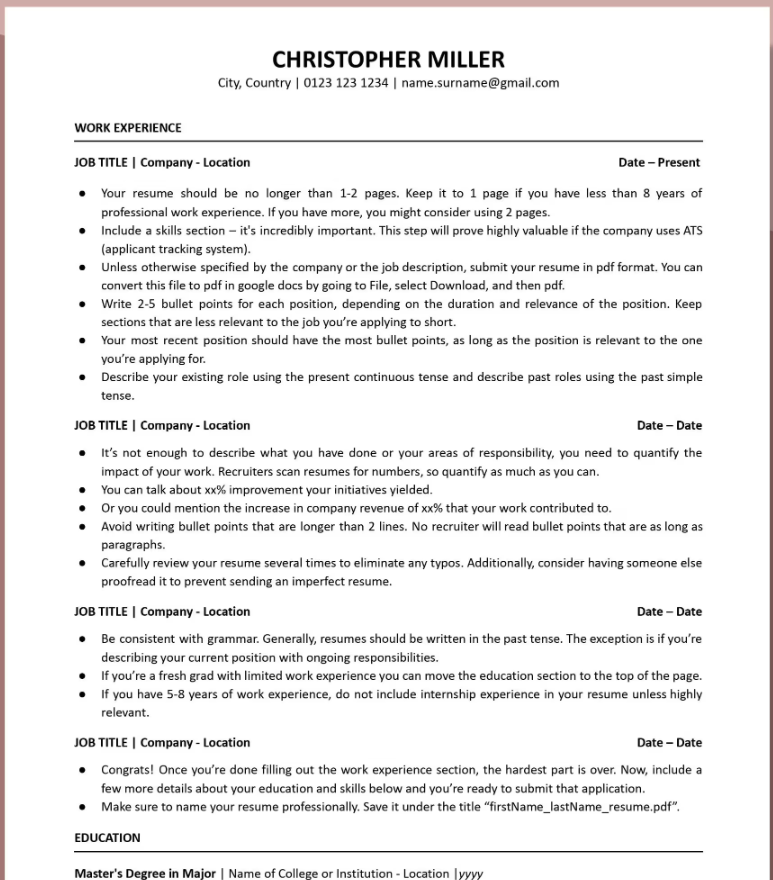
A clean, single-column layout eliminates confusion for ATS systems and ensures all information is read in the correct order.
Why it works:
- Simple structure
- No formatting errors during parsing
- Highly readable for both AI and humans
Best for: Entry-level to mid-level professionals
3. Hybrid (Combination) Template
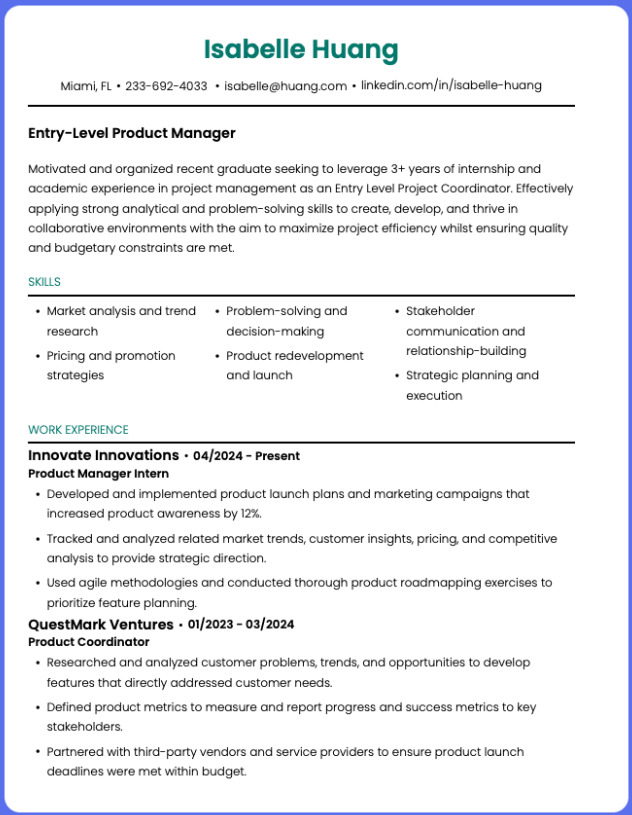
This template blends skills and work experience, allowing you to highlight both equally.
Why it works:
- Emphasizes skills while maintaining structure
- Still ATS-friendly resume if formatted properly
Best for: Career changers or professionals with diverse skill sets
4. ATS-Optimized Functional Template
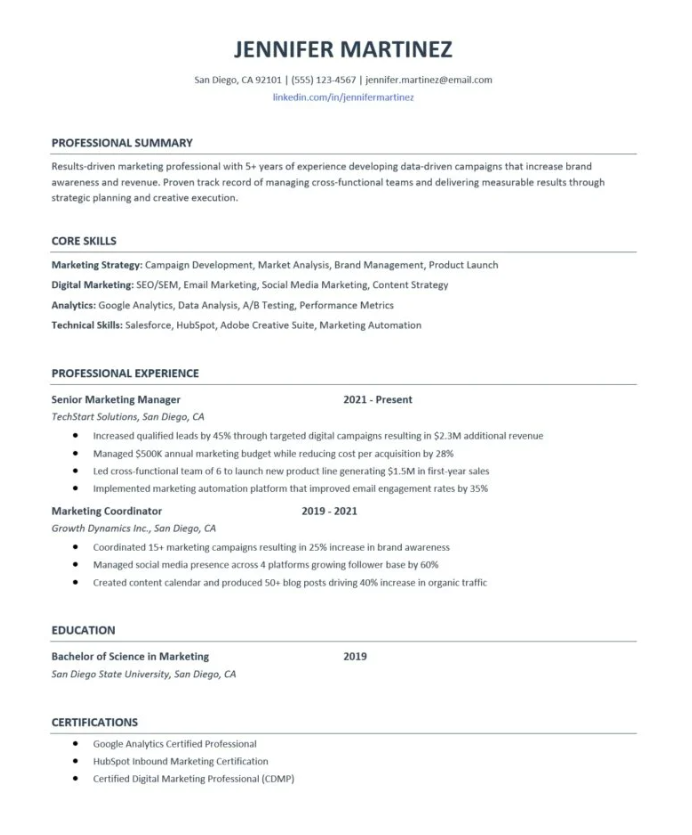
Unlike traditional functional resumes, modern ATS-friendly versions are simplified and structured clearly.
Why it works:
- Highlights transferable skills
- Keeps formatting simple enough for ATS
Best for: Candidates with employment gaps or career transitions
5. Simple Professional Template
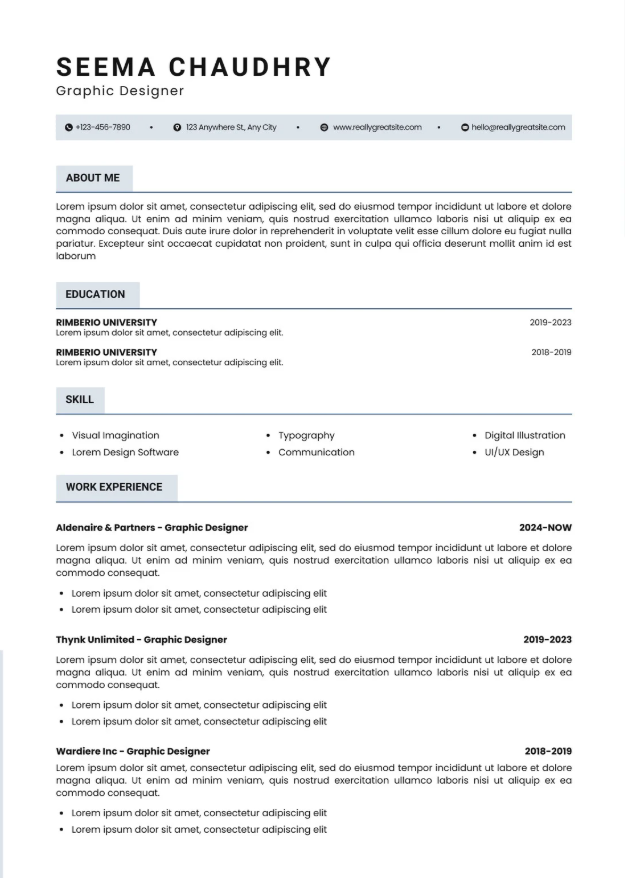
This template uses standard fonts, consistent spacing, and clear headings without unnecessary design elements.
Why it works:
- Clean and professional appearance
- Compatible with most ATS systems
Best for: Corporate roles and traditional industries
6. Text-Based Resume Template
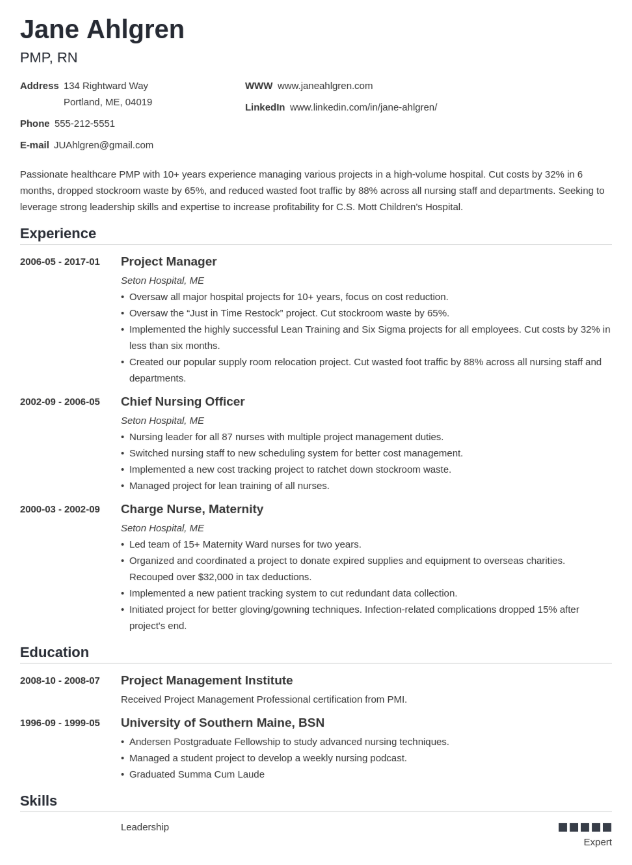
A text-only resume removes all formatting risks and ensures maximum compatibility.
Why it works:
- 100% ATS-readable
- No chance of parsing errors
Downside: Less visually appealing
Best for: Online applications requiring plain text submissions
7. Modern Clean Template (ATS-Safe Design)
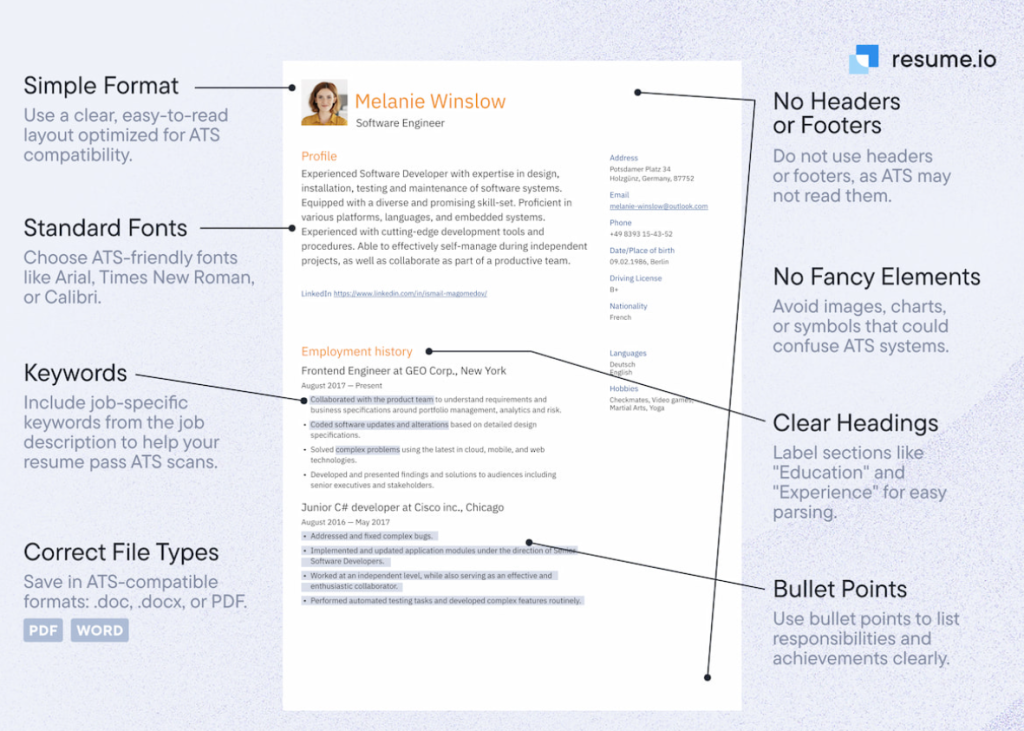
You can still have a modern-looking resume—as long as it avoids complex elements like columns, icons, and graphics.
Why it works:
- Balanced design and functionality
- Maintains ATS compatibility
Best for: Creative professionals who still need ATS-friendly resumes
8. Chronological with Skills Highlight
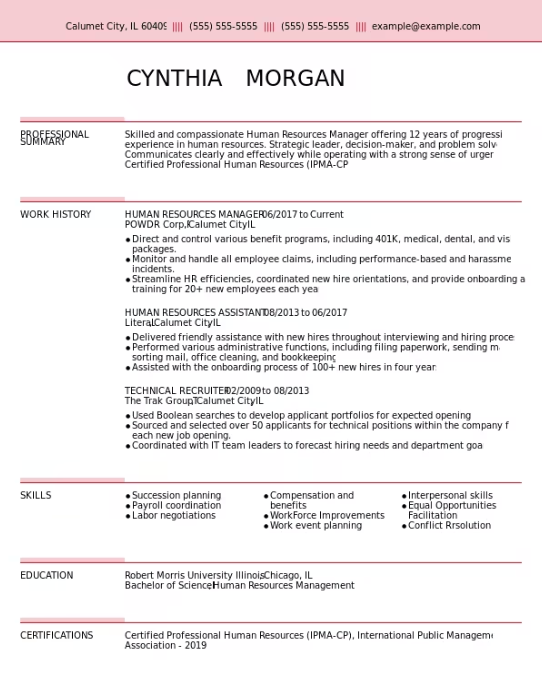
This version of the chronological resume places a strong skills section near the top.
Why it works:
- Combines keyword optimization with structure
- Helps both ATS and recruiters quickly assess qualifications
Best for: Professionals with strong, relevant skills
9. Academic CV Template (Simplified for ATS)
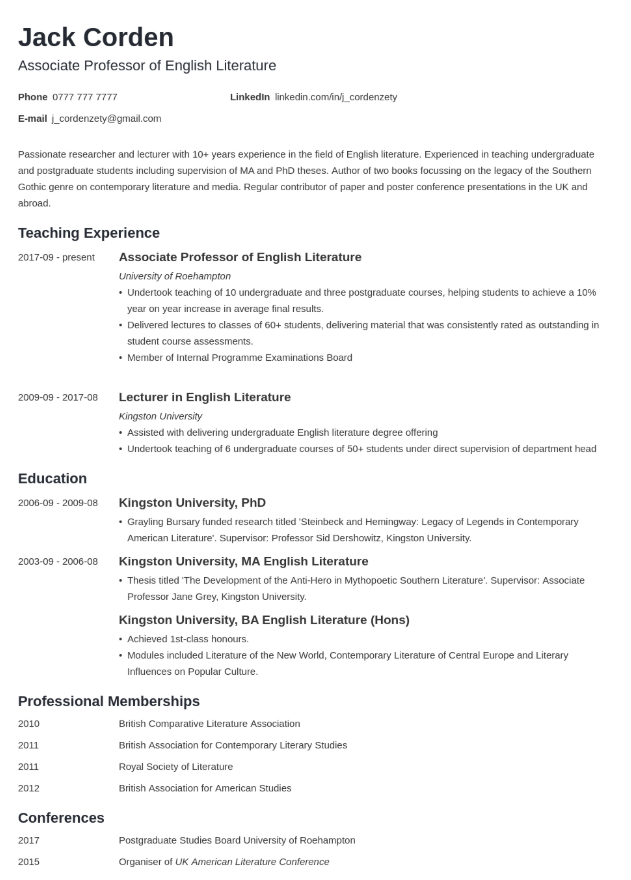
For academic or research roles, a structured CV format can still be ATS-friendly when simplified.
Why it works:
- Organized sections (publications, research, education)
- Clear headings for easy parsing
Best for: Academics, researchers, and educators
10. Industry-Specific ATS Template
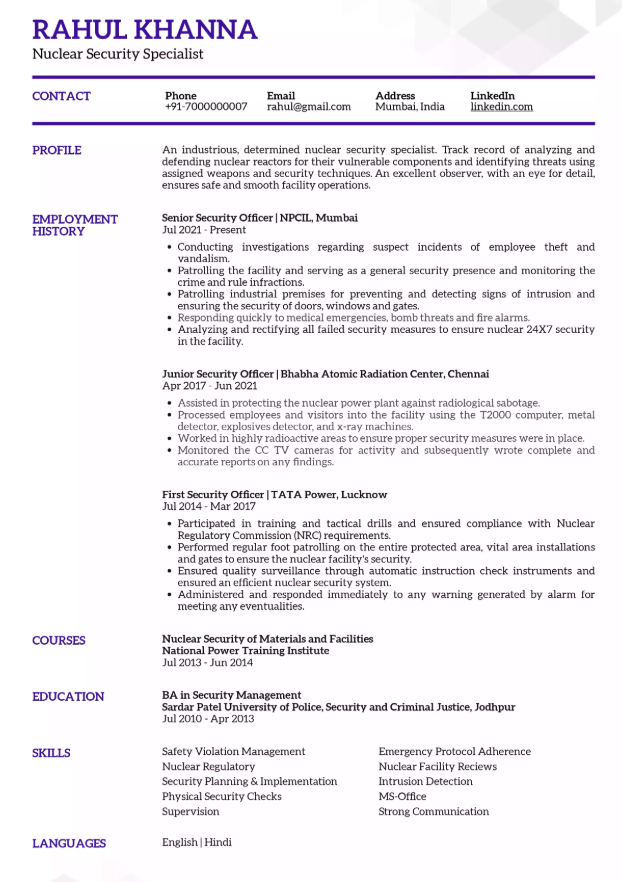
Some templates are tailored to specific industries (e.g., tech industry, IT, marketing, finance) while maintaining ATS compatibility.
Why it works:
- Includes relevant keywords and sections
- Aligns with industry expectations
Best for: Professionals targeting niche roles
What Makes a Resume Template ATS-Friendly?
Before choosing a template, it’s important to understand what ATS systems prefer.
Key Features of ATS-Friendly Templates:
- Single-column layout
- Standard headings (e.g., Experience, Education, Skills)
- Simple fonts like Arial, Calibri, or Times New Roman
- Bullet points instead of paragraphs
- Consistent formatting
What to Avoid in Resume Templates
Even the most visually appealing templates can fail ATS if they include:
- Tables and text boxes
- Graphics, icons, or images
- Multiple columns
- Unusual fonts
- Headers/footers with important information
These resume elements may look great but can confuse ATS systems, causing important details to be missed.
Pro Tips to Maximize Your Resume’s ATS Performance
Choosing the right template is just the first step. Here’s how to make it even more effective:
1. Customize for Each Job
Tailor your resume to match the job description and include relevant keywords.
2. Use Clear Section Headings
Stick to standard headings like “Work Experience” instead of creative alternatives.
3. Quantify Achievements
Use numbers and metrics to highlight impact.
4. Keep It Simple
Avoid overdesigning your resume—clarity beats creativity in ATS screening.
5. Save in the Right Format
PDF is generally safe, but some ATS systems prefer Word documents (.docx). Always check the job requirements.
Conclusion
In 2026, your resume needs to do two things: impress recruiters and pass ATS filters. The right template makes both possible.
By choosing one of these top 10 ATS-friendly resume templates, you can ensure your application gets through automated screening and into the hands of hiring managers.
Remember, the goal isn’t just to look good—it’s to be seen.
Keep your resume clean, structured, and keyword-optimized, and you’ll dramatically improve your chances of landing interviews.