

 4.9
4.9 4.5
4.5Reactive Resume’s GitHub repository has accumulated tens of thousands of stars. The project charges nothing for PDF export, requires no account for basic use, and lets anyone inspect every line of code that touches their personal data. Meanwhile, Zety, Resume.io, and Novoresume still charge between $24 and $26 per month — often revealed only after you’ve spent twenty minutes building a resume you can’t download without entering a credit card number.
That pricing gap alone doesn’t explain why the open-source resume builder category is pulling ahead. The real shift is in what job seekers now expect from the tools they use: full data ownership, ATS compatibility without upsells, and the ability to maintain multiple tailored versions of a resume without hitting an artificial limit. The free resume tools 2026 has produced are genuinely better built than what existed even two years ago, and the rules for choosing among them have changed.
Here are seven principles for picking and using an open-source builder without wasting time or compromising your search.
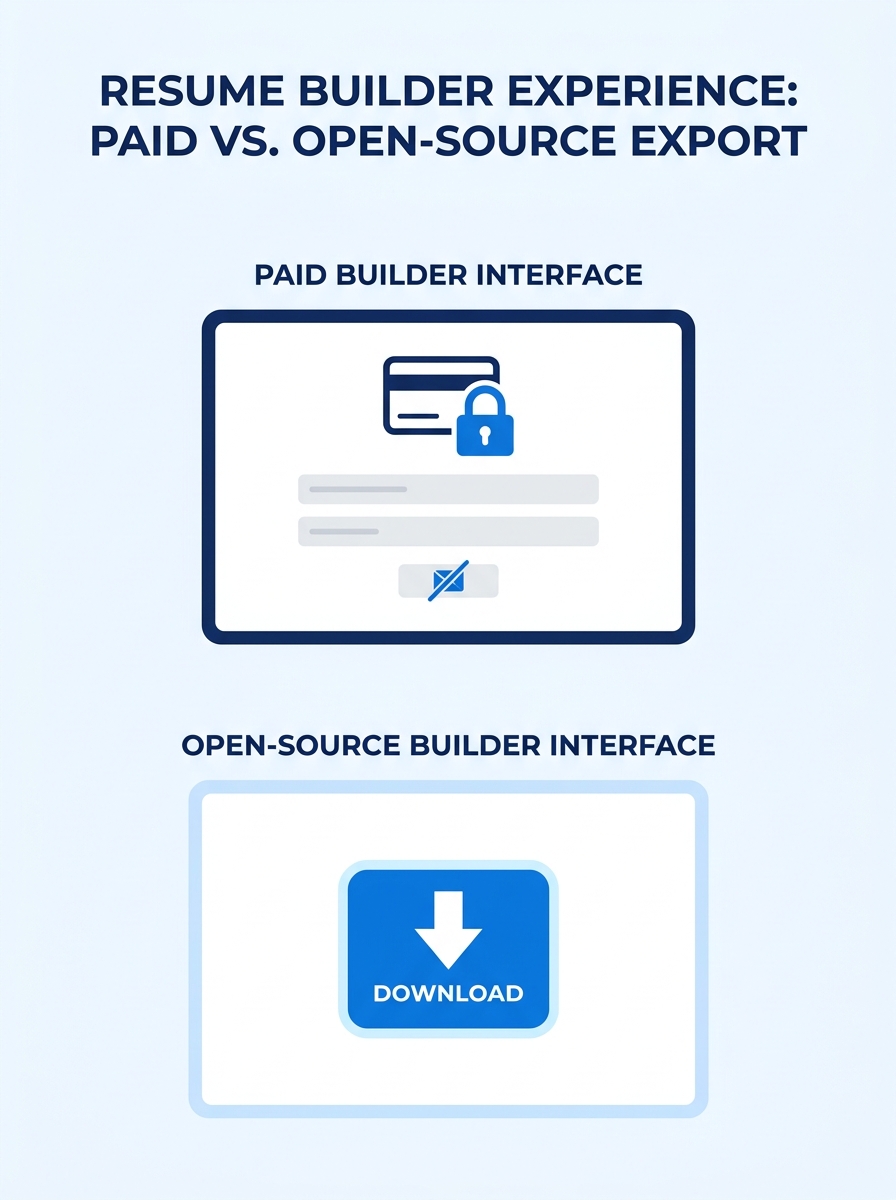
Never pay to download your own document
The most common trap in resume building hasn’t changed in years. A platform lets you design for free, then locks the export behind a paywall. You’ve already invested time formatting sections, writing bullets, tweaking spacing. The $7 or $15 feels small compared to starting over somewhere else. That’s the entire business model.
Open-source tools like Reactive Resume break this pattern completely. PDF export is free, unlimited, and watermark-free. FlowCV offers one free resume with unlimited PDF downloads and no watermark, according to a JobScoutly comparison of free builders. The gap between Reactive Resume vs paid builders often comes down to this single feature: you always get your document, no strings attached.
If a platform won’t let you export without paying, close the tab. The cost isn’t the subscription fee itself. It’s the sunk-cost pressure that keeps you locked into a tool you’ll resent next month. We’ve written about the broader dynamics of free versus paid builder traps before, and the pattern holds: the paywall almost always appears at the worst possible moment.
Own your resume data or assume it’s training someone else’s AI
When you paste your work history, skills, and contact information into a commercial resume builder, that data lives on their servers under their terms of service. Some platforms explicitly reserve the right to use anonymized resume data for product improvement, which in practice means training AI models. You rarely get a clear answer about what “anonymized” actually means in that context.
Open-source alternatives give you a different option entirely. Reactive Resume can be self-hosted using Docker, meaning your resume data never leaves your own machine or server. OpenResume parses resumes directly in the browser with zero data sent externally. This level of resume builder transparency matters more than it used to, especially if you’re applying to roles in regulated industries or government positions where data handling is scrutinized. And given that hiring managers now routinely search candidates online, controlling what personal data exists on third-party servers has practical implications beyond principle.
The test is simple: can you delete your account and verify that your data is actually gone? With an open-source tool you host yourself, the answer is always yes, because you control the database.
Check ATS compatibility yourself — badges mean nothing
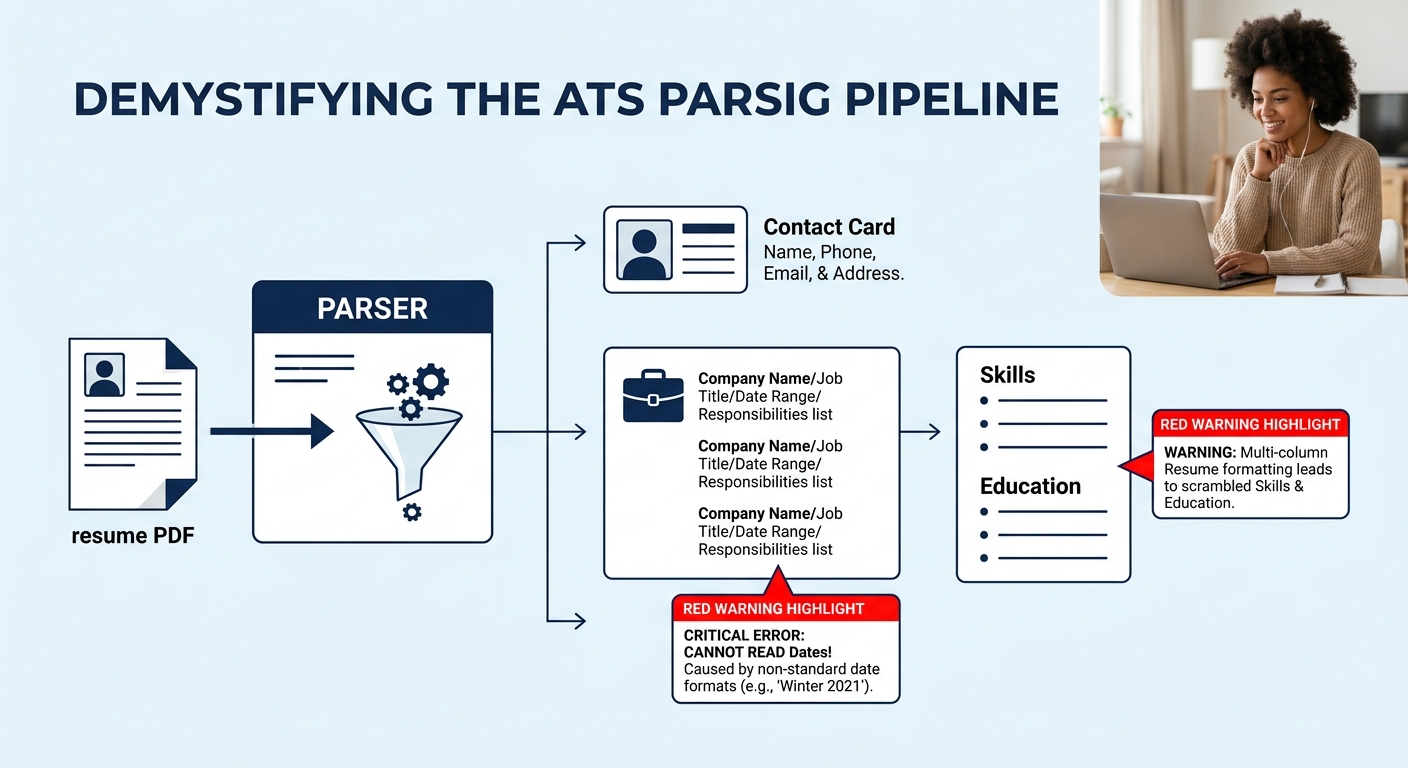
Paid platforms love to display “ATS-friendly” or “ATS-optimized” badges on their templates. These labels are self-assigned. No universal certification body tests resume templates against every major applicant tracking system, and the systems themselves differ widely in how they parse documents.
A more reliable approach: use a separate ATS parser to test your finished resume. Resume Matcher and OpenResume both offer open-source ATS parsing tools that show you exactly what an ATS extracts from your PDF. You can see whether your section headings are recognized, whether your dates parse correctly, and whether your bullet points survive the extraction process intact.
This matters because the gap between what looks good on screen and what an ATS actually reads is often wider than people expect. If you’ve been struggling with application black holes, understanding how ATS parsing differs from human reading can save you weeks of frustration.
Tip: After exporting your resume from any builder, upload it to an ATS parser and compare the extracted text against your original. Missing sections, jumbled dates, or stripped formatting are all fixable before you submit, but only if you catch them first.
Keep multiple resume versions without paying per slot
Tailoring your resume to each job description is standard advice. Doing it well means maintaining several versions: one emphasizing leadership experience, another foregrounding technical skills, a third tuned for a specific industry’s keywords. Paid platforms often limit the number of resumes you can store on a free tier (typically one or two) and charge for additional slots.
Reactive Resume’s documentation states it plainly: under a single account, you can handle an unlimited number of resumes with no restrictions and no paywalls. This makes it practical to create variations for each application without deleting previous work. When you’re running a cost-effective job search across multiple industries or roles, that unlimited storage changes your entire workflow.
For technical users, tools like JSON Resume and RenderCV go further by treating resumes as structured data files. You can store them in a Git repository, track changes over time, and switch templates without re-entering content. It’s version control for your career documents, and it costs nothing.
If you’re applying to roles at different seniority levels, the tool mismatch between entry-level and executive resumes makes separate versions even more important. A single template rarely serves both audiences well, and an open-source builder removes the financial friction from maintaining the variants you actually need.
Open-source resume tools hand you something paid platforms can’t match: the freedom to maintain ten tailored versions without a platform deciding that the fourth one costs $15 a month.
Prefer tools where you can read the source code
This principle sounds like it only matters to developers. It doesn’t. When a resume builder is open-source, anyone (including security researchers, journalists, and privacy advocates) can inspect how it handles your data. That scrutiny creates accountability that a privacy policy PDF never matches.
Reactive Resume’s entire codebase lives on GitHub. If the tool sends data to a third-party server, someone will notice and file an issue. If a template introduces a formatting bug that breaks ATS parsing, the fix gets submitted publicly, reviewed, and merged. This feedback loop produces better software faster than a closed team working behind a login wall.
Paid platforms update on their own schedule and rarely disclose what changed. You might log in one morning to find your template has been “improved” in ways that break your carefully formatted resume. With an open-source builder, you can pin a specific version and update on your own terms.
For job seekers worried about AI bias in resume screening tools, open-source projects also offer something paid platforms can’t: the ability to audit the AI’s behavior directly, rather than trusting a company’s assurance that their algorithms treat all candidates fairly.
Use AI features only when you control the off switch
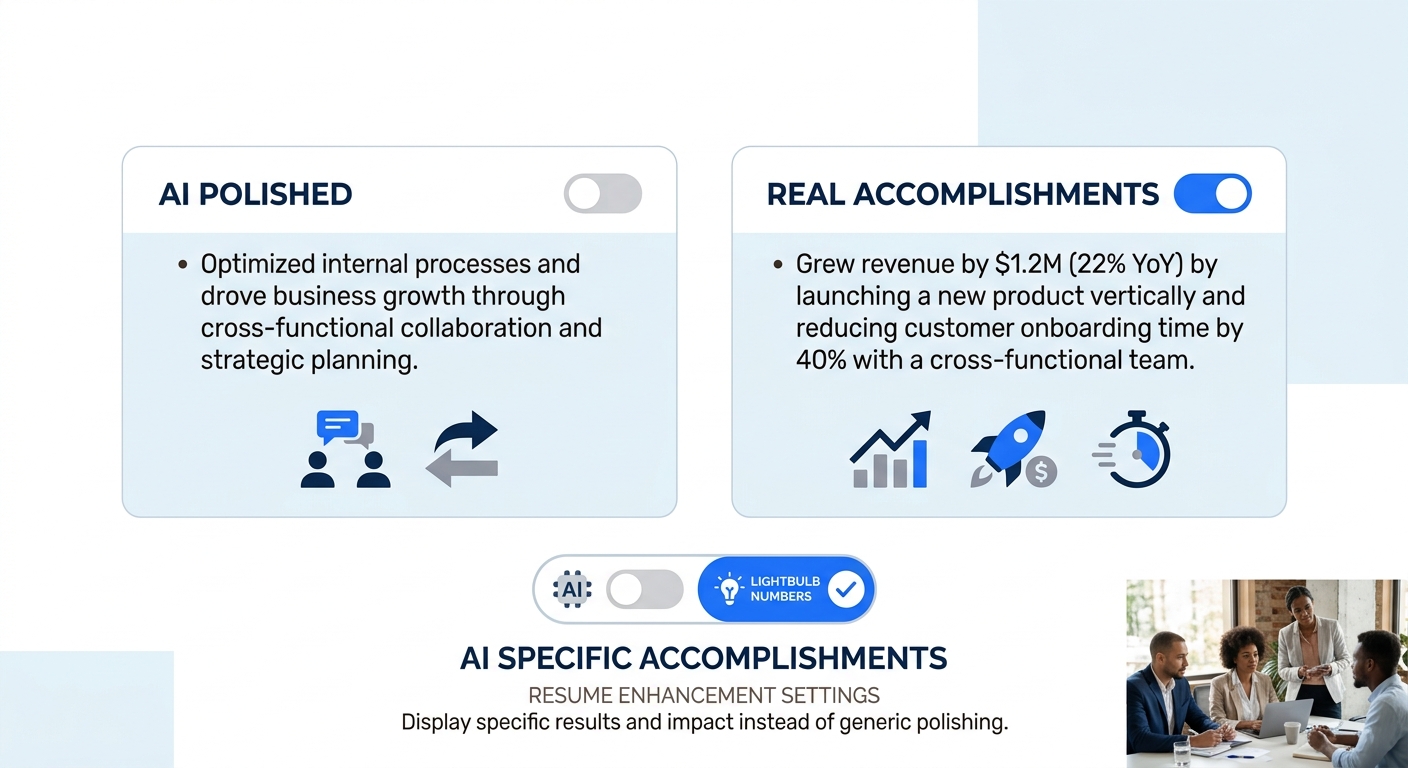
Many open-source resume builders now include optional AI features like content suggestions, bullet point refinement, and keyword optimization. Reactive Resume, for instance, integrates with OpenAI, but makes the feature entirely optional. You can disable it, or if you’re self-hosting, never configure it at all. Your resume still works perfectly without it.
Compare that to paid platforms where AI is baked into the core experience and sometimes runs automatically on your content. The problem with AI-generated resume language is well documented: it tends toward the same buzzwords, the same sentence structures, and the same vague accomplishment framing that recruiters are increasingly trained to recognize. When everyone’s AI produces variations on “led cross-functional initiatives to drive measurable outcomes,” the sameness becomes a signal that a human didn’t write it.
The better approach is to write your own bullets first, then selectively use AI to tighten phrasing or check for missing keywords from a job description. Treat it as an editor rather than an author. And choose a tool that lets you turn it off entirely, because for some applications (particularly in fields that prize clear writing) machine-generated polish actually hurts your chances.
Test every template with a real application before committing
This is the rule that saves the most time in the long run. Before you invest hours perfecting a resume in any builder, export a test PDF and submit it through at least one real application portal. Watch what happens. Does the formatting survive? Does the file upload without errors? Can you copy-paste text from the PDF cleanly, or does it come out garbled?
Open-source builders like Reactive Resume currently offer 12 templates, with more in development. Each one renders differently, and some will perform better with specific ATS platforms than others. The only way to know which template works for your target companies is to test it against their actual submission systems.
Paid builders often promise ATS compatibility across the board, but the claim is essentially untestable from the outside. Free and open-source tools are at least honest about the uncertainty. And because they cost nothing to try, you can test three or four templates in the time it takes to decide whether a paid subscription is worth it. If you’re rebuilding your resume after a career disruption in tech, pairing this testing approach with strategies for post-layoff resume rebuilds gives you both the content and the format to move quickly.
When These Rules Break Down
No set of principles covers every situation perfectly. If you’re building a federal resume for USAJOBS, the formatting requirements are specific enough that a dedicated tool might save you real time, even a paid one. If you need a highly visual portfolio-style resume for a creative role, Canva’s design capabilities still exceed what most open-source builders offer in graphic flexibility. And if you’re someone who genuinely values convenience over control — you don’t care about data ownership, you don’t want to compare templates, you want something that works in ten minutes — a paid builder with good defaults might be the right call.
But for the majority of job seekers running a cost-effective job search across multiple applications, the open-source category has caught up and, in several measurable areas, moved ahead. Open-source tools from ResuFit’s 2026 comparison frequently match or exceed paid options in design quality and features while respecting user privacy. The templates are professional. The export is free. Every line of code that touches your personal information is available for anyone to inspect. That combination of capability and transparency didn’t exist three years ago, and the paid platforms still haven’t figured out a convincing counter-argument to free, functional, and fully auditable.