

 4.9
4.9 4.5
4.5Adobe Stock contributor E-Type released a creative resume template for Adobe InDesign on September 27 that eliminates the requirement for a headshot photo while maintaining a design-forward aesthetic, according to We and the Color. The template ships in US Letter and A4 formats, prints in CMYK color mode, and opens as an editable layout file rather than a locked graphic.
TL;DR: A new Adobe InDesign resume template from designer E-Type works with or without a portrait photo, addressing bias concerns in regions where headshots on resumes are discouraged while serving creative professionals who need design differentiation.
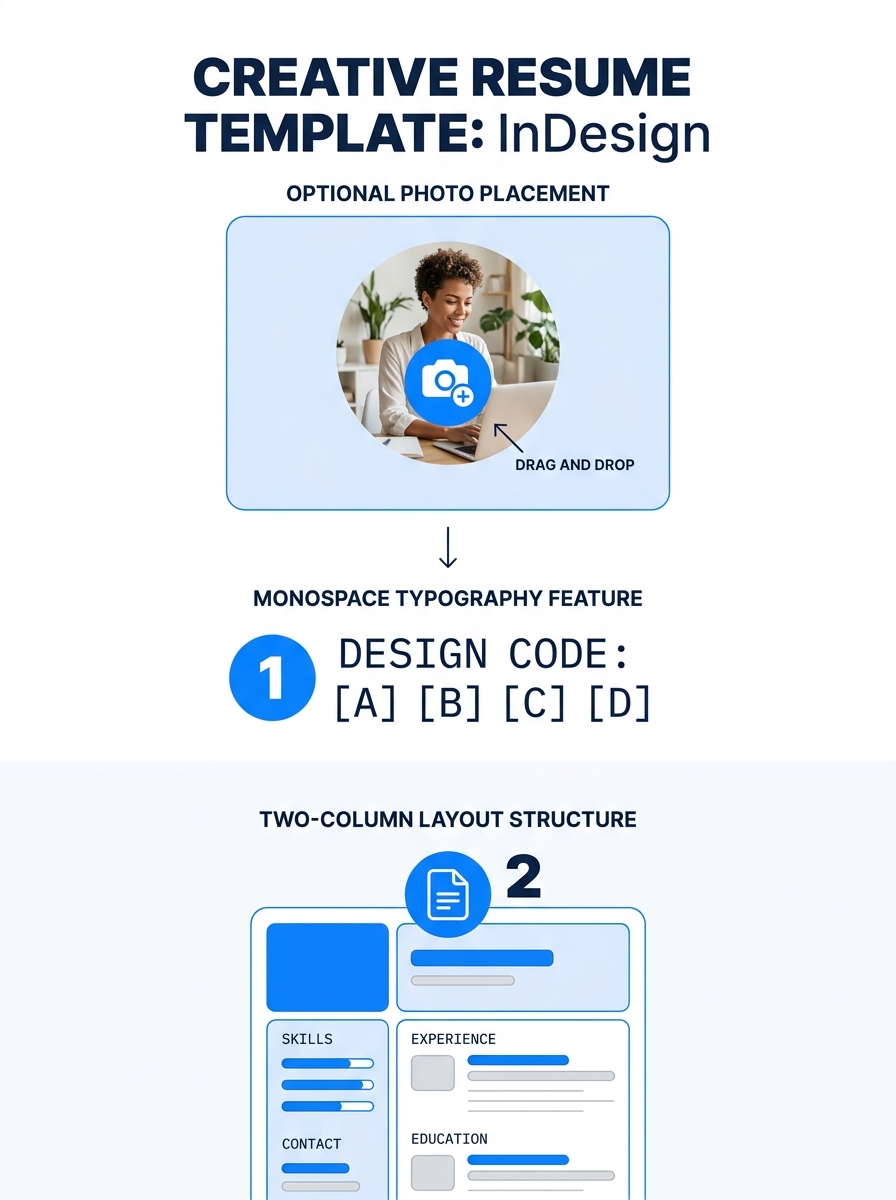
Photo-Optional Design Addresses Regional Application Standards
The template treats the headshot as an accessory element positioned in a small square beside the candidate’s name rather than as a structural anchor. The masthead relies on a heavy condensed “RESUME” wordmark set against a cream background, with the candidate’s name running vertically. Removing the photo does not disrupt the grid layout, according to the template documentation.
This design decision addresses application standards in markets where portrait photos on resumes raise bias concerns or violate employer guidelines. Germany, the United Kingdom, and many U.S. states discourage or prohibit headshot requirements in hiring processes. Traditional creative resume templates typically build the entire layout around a large photo zone, forcing users in photo-restricted markets to either leave awkward white space or rebuild the design manually.
The typography compensates for the photo’s reduced role. Section labels including “About Me,” “Skills,” and “Experience” use a technical monospace-style typeface with colons after each heading. The typographic treatment borrows visual language from technical documentation and blueprint annotations.
Two-Column Structure Splits Content by Function
The left column holds narrative content including About Me, Experience, and Education sections. Each experience entry includes space for a company name, date range, and three lines of body copy. The right column contains Skills, Reference, Awards, and Contact Information sections. The skills list displays as seven bullet points without graphical skill meters or star ratings.
The asymmetric column design creates a content-length dependency. Experience entries expand based on user input while the right-column sections remain relatively fixed in length. Users with shorter work histories may need to manually adjust column balance by enlarging the photo, extending the About Me paragraph, or adding pull quotes, according to the template structure.
The CMYK color mode setup accommodates physical printing for portfolio submissions and in-person interviews. Most free resume templates available online build for screen viewing in RGB color mode and produce color shifts when printed. The InDesign file includes named paragraph and character styles that allow typeface changes across all sections through single-click updates rather than manual text selection.
Applicant Tracking System Compatibility Concerns Remain
The two-column layout format creates parsing challenges for applicant tracking systems used by large employers. Many ATS platforms read multi-column layouts and side-positioned text boxes inconsistently, sometimes processing columns in incorrect sequence or dropping content entirely during text extraction. Candidates applying through corporate online portals should export a plain-text or single-column backup version, according to standard ATS compatibility guidance.
The template performs best for direct submissions, portfolio websites, and in-person handoffs where human reviewers open the file without automated parsing. Creative professionals including graphic designers, art directors, and UX designers applying to studios or agencies typically submit through channels that bypass ATS filtering. Corporate marketing roles and in-house design positions at large companies more frequently route applications through ATS platforms.
Similar structured templates including the Harvard Resume Template maintain single-column formats specifically to maximize ATS compatibility while sacrificing visual differentiation. The E-Type InDesign template makes the opposite trade-off.
Context and Outlook
Design-forward resume templates serve creative professionals who need visual differentiation in portfolio-review processes but create technical barriers in corporate applicant tracking workflows. The optional-photo feature in the E-Type template reflects ongoing tension between creative presentation standards and bias-reduction policies in global hiring markets. Candidates should match template choice to submission channel rather than applying design-heavy formats universally across all applications.
The CMYK print setup signals the template’s primary use case: physical portfolio drops and face-to-face networking contexts where visual presentation carries weight and automated parsing never occurs. Creative professionals maintaining separate resume versions—a design showcase for studio work and a plain-text ATS-friendly version for corporate channels—can deploy this template in the former category while keeping a stripped-down alternative ready for the latter. The two-file strategy remains standard practice for designers and other visual professionals navigating hybrid application environments.
