

 4.9
4.9 4.5
4.5Five distinct cover letter templates handle the vast majority of application scenarios, from traditional corporate roles to quick email submissions. This guide walks you through choosing the right template, formatting every section correctly, filling in your content, and exporting a polished file. Budget about 30 minutes for your first one; subsequent letters take roughly 15.
TL;DR: Pick a template that matches your situation (traditional, problem-solution, achievement-led, narrative, or short email), format it with 10-12 pt font and 1-inch margins, write 250-400 words across 3-4 paragraphs, and export as PDF. The structure matters as much as the content.
Before You Start
You’ll need four things ready before touching any template. First, a copy of the job posting with the role title, company name, and hiring manager’s name (check LinkedIn if the posting doesn’t list one). Second, your current resume, because your cover letter header should match your resume’s header for visual consistency. Third, a word processor: Google Docs, Microsoft Word, or LibreOffice all work. Fourth, 2-3 specific accomplishments from your career that relate to this particular role, ideally with numbers attached.
Time required: 25-35 minutes for template selection, formatting, writing, and export.
Knowledge level: No design skills needed. If you can type a business letter, you can do this.
Step 1: Pick Your Template
The right cover letter format sample depends on three factors: your experience level, the type of role, and how much space you need to tell your story. According to research from Indeed’s formatting guide, 83% of recruiters read most cover letters they receive, so the format you choose directly affects whether yours gets a fair reading.
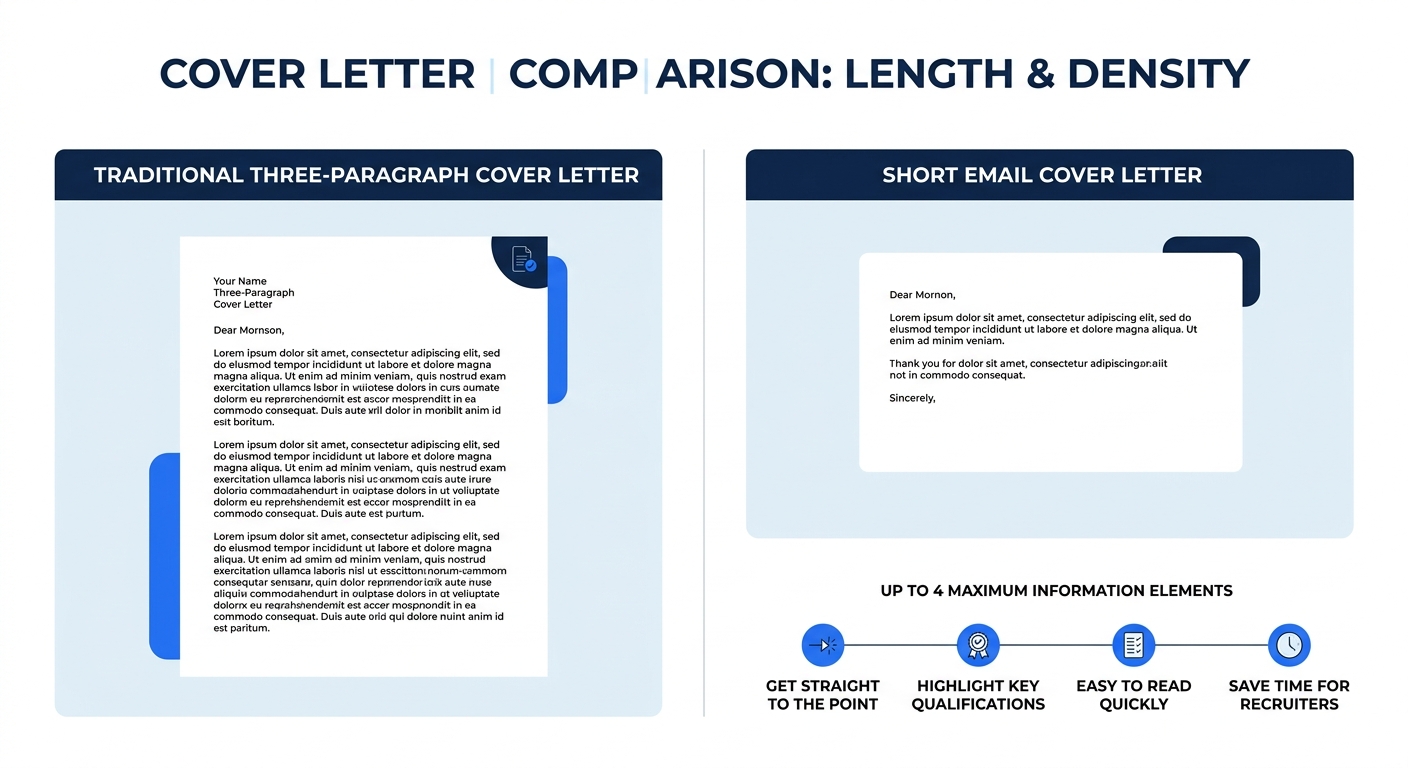
Survey data shows 66% of job seekers now prefer cover letters that run half a page or shorter. That preference aligns with hiring manager behavior: concise, well-structured letters outperform dense, paragraph-heavy ones.
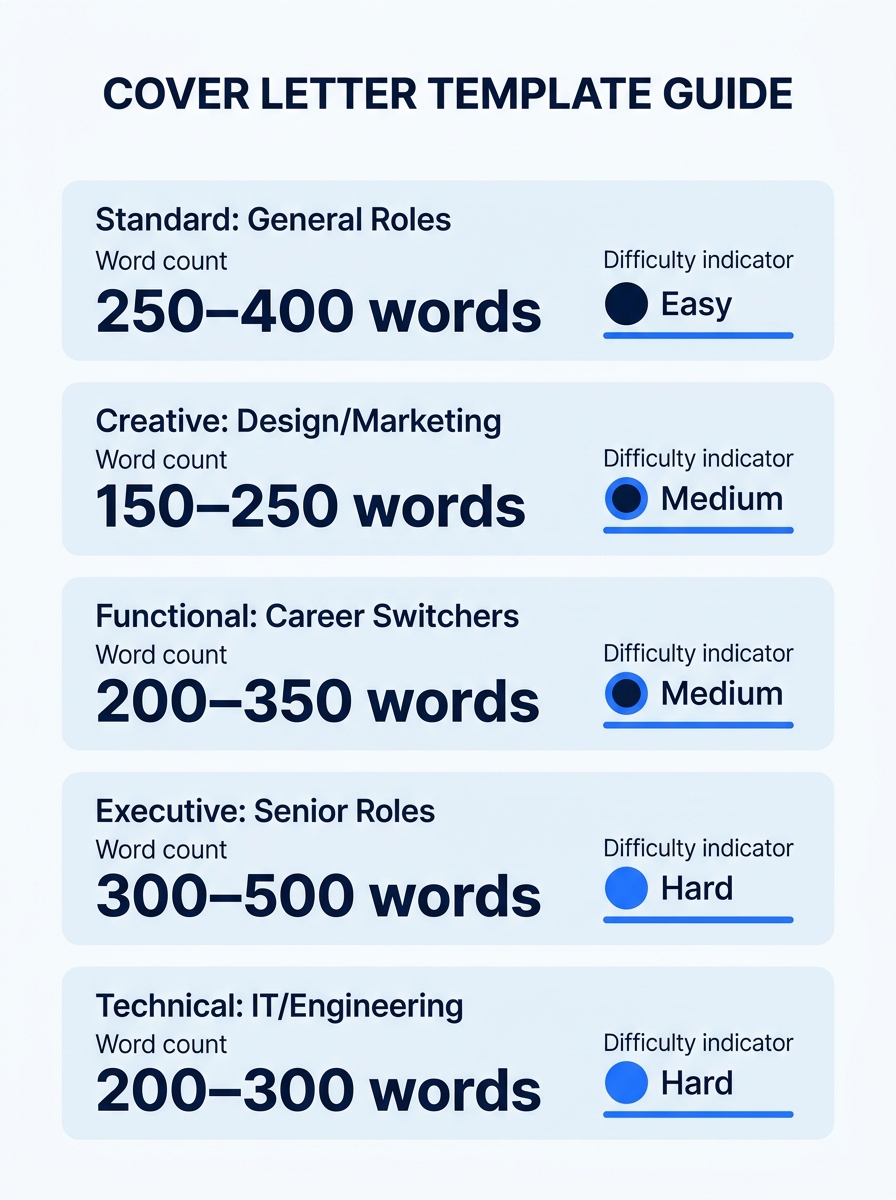
Here’s how the five templates compare across key dimensions:
| Template | Best For | Length | Paragraphs | Difficulty |
|---|---|---|---|---|
| Traditional Three-Paragraph | Corporate, government, formal roles | 300-400 words | 3 | Easy |
| Problem-Solution | Mid-career and senior roles | 250-350 words | 3-4 | Medium |
| Achievement-Led | Sales, marketing, operations | 250-350 words | 3 | Medium |
| Narrative Hook | Creative, startup, hybrid roles | 300-400 words | 3-4 | Hard |
| Short Email | Referrals, networking, quick applies | 100-150 words | 2 | Easy |
You’ll know you’ve picked correctly when the template’s “best for” column matches your situation and you feel confident you can fill every section with relevant content.
Step 2: Build the Header and Contact Block
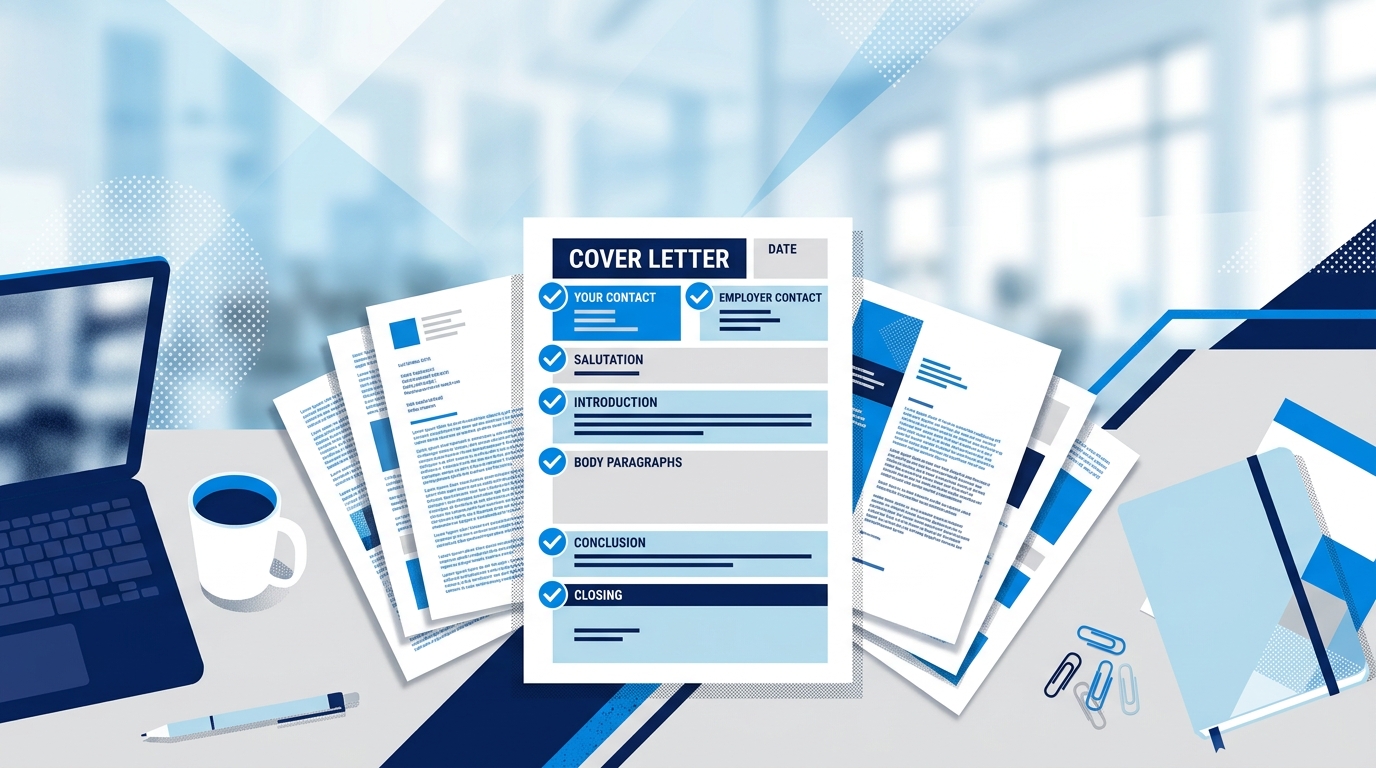
Every cover letter format sample starts with the same structural foundation. The Microsoft Word Blog’s 2026 formatting guide defines the standard: “Correct cover letter formatting includes clear sections that guide readers through information, including a header, greeting, opening paragraph, middle paragraph, closing call to action, and professional sign off.”
Set these specifications in your document before writing a word:
- Margins: 1 inch on all sides (the University of Michigan Career Center allows 0.5 to 1 inch, but 1-inch margins are the safest default for ATS parsing)
- Font: 10-12 point in Arial, Calibri, Garamond, or Times New Roman
- Alignment: Left-justified throughout
- Spacing: Single-spaced body text with one blank line between paragraphs
- Top position: Begin no more than 2 inches from the top of the page
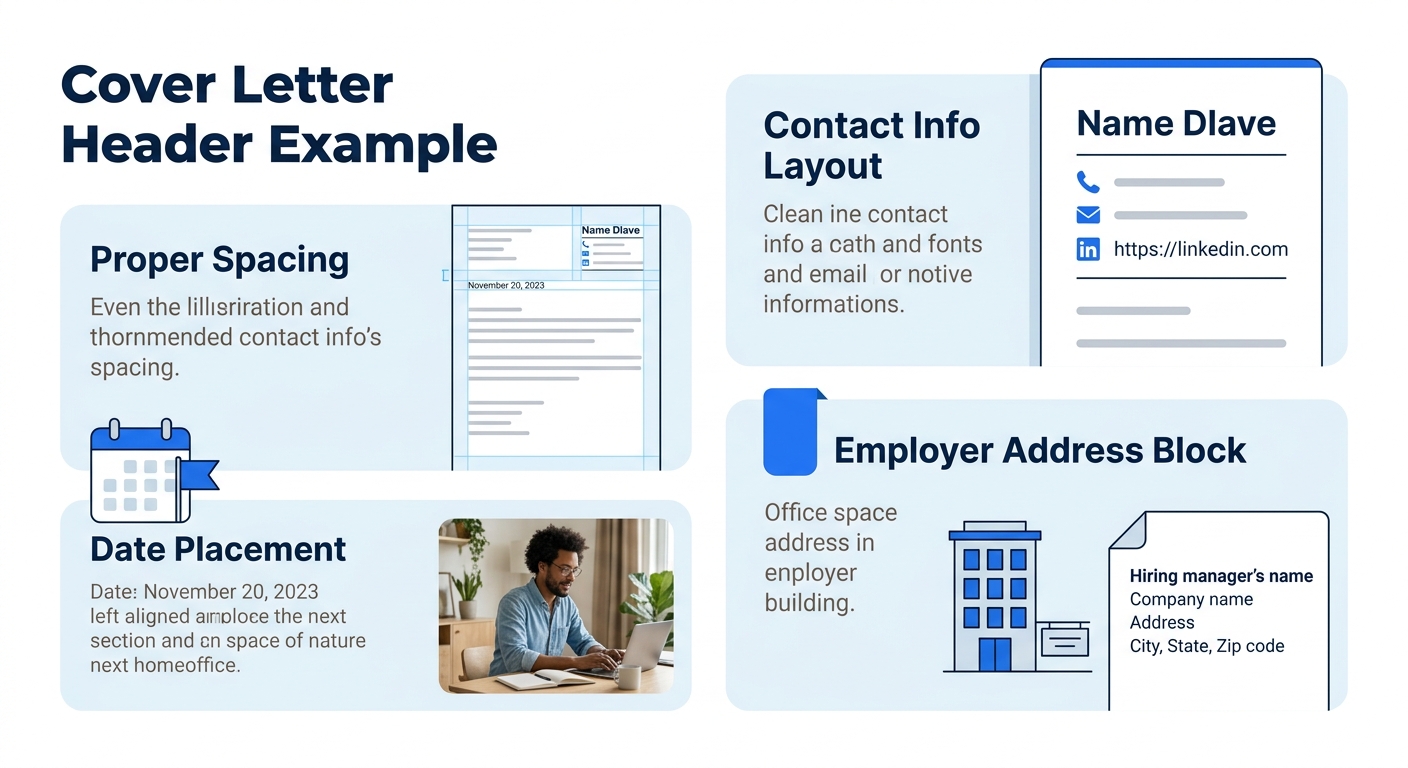
Your header block contains your full name, phone number, email address, city and state (full street address is optional in 2026), and LinkedIn URL. Place the date below the header, then the employer’s contact block: hiring manager name, title, company name, and company address.
The greeting line sits below the employer block. Use “Dear [First Name] [Last Name],” if you have the name. Use “Dear Hiring Manager,” when you don’t. Avoid “To Whom It May Concern,” which reads as outdated.
Verification: your header and greeting should take up roughly the top 25% of the page, leaving 75% for your body content and sign-off. If your header pushes past 2 inches from the top, tighten the spacing or reduce your font size to 10 pt.
Step 3: Write the Body Using Your Chosen Template
This is where the five templates diverge. Each one structures the same 250-400 word body in a different way. Indeed.com recommends that cover letters “should be around three paragraphs long and include specific examples from your past experience that make you qualified for the position.” The templates below all honor that principle while varying in rhetorical approach.
If you’ve already covered the basics of how to format a cover letter, the body is where your content strategy lives.
Template A: Traditional Three-Paragraph
This is the default format that works in any industry. An introduction states the role you’re applying for and one sentence about why you’re a fit. A body paragraph provides 2-3 specific examples of relevant experience. A conclusion restates interest and invites next steps.
The Resume Genius analysis of top-performing cover letters in 2026 confirms this structure works: the best examples follow “an introduction, two body paragraphs, and a brief conclusion that restates interest in the position.” Use this template when you’re unsure what the company expects or when the role is in a conservative industry like finance, law, or government.
Sample opening line: “Your posting for a Financial Analyst mentions building forecasting models for quarterly revenue projections, which is the core of what I’ve done for the past four years at [Company].”
Template B: Problem-Solution
Mine the job description for pain points. Words like “improve,” “develop,” “fix,” and “build” signal problems the employer wants solved. Your opening paragraph names the problem. Your body paragraph describes how you solved a similar problem elsewhere, with specific numbers. Your closing connects the solution back to the employer’s situation.
Sample opening line: “Your engineering team is scaling from 12 to 40 developers this year. I managed that exact transition at [Company], reducing onboarding time from 6 weeks to 9 days while maintaining a 94% new-hire retention rate.”
This template is especially effective for mid-career and senior candidates who can point to documented results. Be careful to avoid generic phrases that hiring managers filter out like “proven track record” or “results-driven professional.”
Template C: Achievement-Led
Open with your single strongest quantified achievement. The body paragraph adds 2 more achievements that map directly to the job description’s requirements. The closing ties everything together.
Sample opening line: “In Q3 2025, I redesigned the onboarding email sequence at [Company] and grew subscriber engagement by 40% within 8 weeks.”
Hiring managers find this format persuasive because every claim comes with a measurable number. Even soft skills can carry data: “trained 14 new team members” or “reduced client response time from 48 hours to 6.”
Tip: If you don’t have exact numbers, use honest approximations: “roughly 30 accounts,” “approximately $200K in annual revenue.” Approximate numbers are far more convincing than no numbers at all.
Template D: Narrative Hook
Stories are 22 times more memorable than standalone facts. This template opens with a brief (2-3 sentence) story from your professional experience that connects to the role. The body paragraph extracts the relevant skills from that story and maps them to the job requirements. The closing brings the narrative full circle.
Sample opening line: “The first time a client told me our product had saved her team 11 hours a week, I realized customer success wasn’t about solving tickets. It was about understanding workflows.”
This format works well for creative roles, startup environments, and positions where cultural fit matters as much as technical skill. Keep the narrative under 60 words so it doesn’t overwhelm the letter.
Template E: The Short Email Cover Letter
When applying via email or through a referral, brevity wins. Novoresume’s 2026 collection includes 15 short cover letter samples, each under 150 words, with survey data confirming that brief cover letters perform well. This template has just 2 paragraphs: one identifying the role and your connection to it, one highlighting your single best qualification.
Sample body (complete): “Hi [Name], I’m writing about the Product Manager opening that [Referrer Name] mentioned to me. I’ve spent 3 years managing B2B SaaS products at [Company], where I led a team that shipped 4 major features and grew monthly active users by 28%. I’d love to discuss how my experience fits your roadmap. My resume is attached. Thank you for your time.”
That’s 62 words of body content. For email cover letters, the University of Michigan Career Center advises using the body of the email itself as the cover letter rather than sending an attachment.
Step 4: Close and Export
Your closing paragraph should be 2-3 sentences. Restate your interest, reference something specific about the company, and include a clear call to action: “I’d welcome the chance to discuss how my experience with [specific skill] aligns with your team’s goals. I’m available for a conversation at your convenience.”
Sign off with “Sincerely,” “Best regards,” or “Thank you,” followed by your full name. If submitting as an attachment, export the file as a PDF to lock formatting across devices and operating systems. If the posting specifically requests a Word document, submit .docx instead.
You’ll know this step is done when your finished letter fits on one page, lands between 250 and 400 words (100-150 for the email template), and opens cleanly in a PDF viewer with all spacing intact.
Warning: Don’t submit a cover letter with your word processor’s default filename. Rename the file to “FirstName-LastName-Cover-Letter-CompanyName.pdf” so recruiters can find it easily.
When Something Goes Wrong
Three problems show up repeatedly when people work from cover letter format samples:
The letter spills onto a second page. Cut your body content first. If you’ve already trimmed the body, reduce margins to 0.75 inches and drop font size to 10 pt. One page is a hard ceiling. If your cover letter formatting still runs long, your body paragraphs contain too many examples. Pick 2-3 and cut the rest.
ATS software garbles your layout. Many companies use applicant tracking systems to filter applications before a human sees them. Avoid text boxes, columns, tables, images, and headers/footers in your document. Stick to plain text with standard section headings. Simple, clean formatting with standard headings ensures your letter gets parsed correctly and reaches a human reviewer.
The tone feels generic. If you could swap the company name and the letter would still make sense, it’s too generic. Each cover letter should reference at least one specific detail about the employer: a product, a recent company initiative, a team structure, a stated value from their careers page. A step-by-step cover letter formatting walkthrough can help you build this specificity into your process.
Where to Go From Here
The five templates above handle the structural question. The harder, more rewarding work is customizing each letter for the specific role. Spend 10 minutes researching the company before writing. Read their “About” page, scan recent press releases, and look at the LinkedIn profiles of people in the department you’d join. That research gives you the specific details that separate a forgettable cover letter from one that lands an interview. And if you want to sharpen the broader formatting principles behind these templates, the full guide on cover letter format best practices goes deeper into typography, spacing, and ATS compatibility.
