


 4.9
4.9 4.5
4.5Architecture credentials follow a strict placement hierarchy on your resume, and most candidates get it wrong. Licensed architects should list designations like RA or AIA directly after their name in the header. Supplementary certifications like LEED AP belong in a dedicated section further down. Mixing up this order buries the qualifications hiring managers scan for first.
TL;DR: Your architecture resume has three distinct credential zones: the name line (mandatory licenses), a dedicated certifications section (professional credentials), and a technical skills block (software proficiencies). Each zone serves a different audience. Place credentials in the wrong zone and they lose 72% of their screening value.
Credentials That Belong Next to Your Name
The name line is the single highest-visibility real estate on your resume. According to the AIA Career Center, “Recruiters make a judgment in less than 8 seconds,” and the quality of your content and presentation determines whether you get an interview. Your name line is where those 8 seconds start.
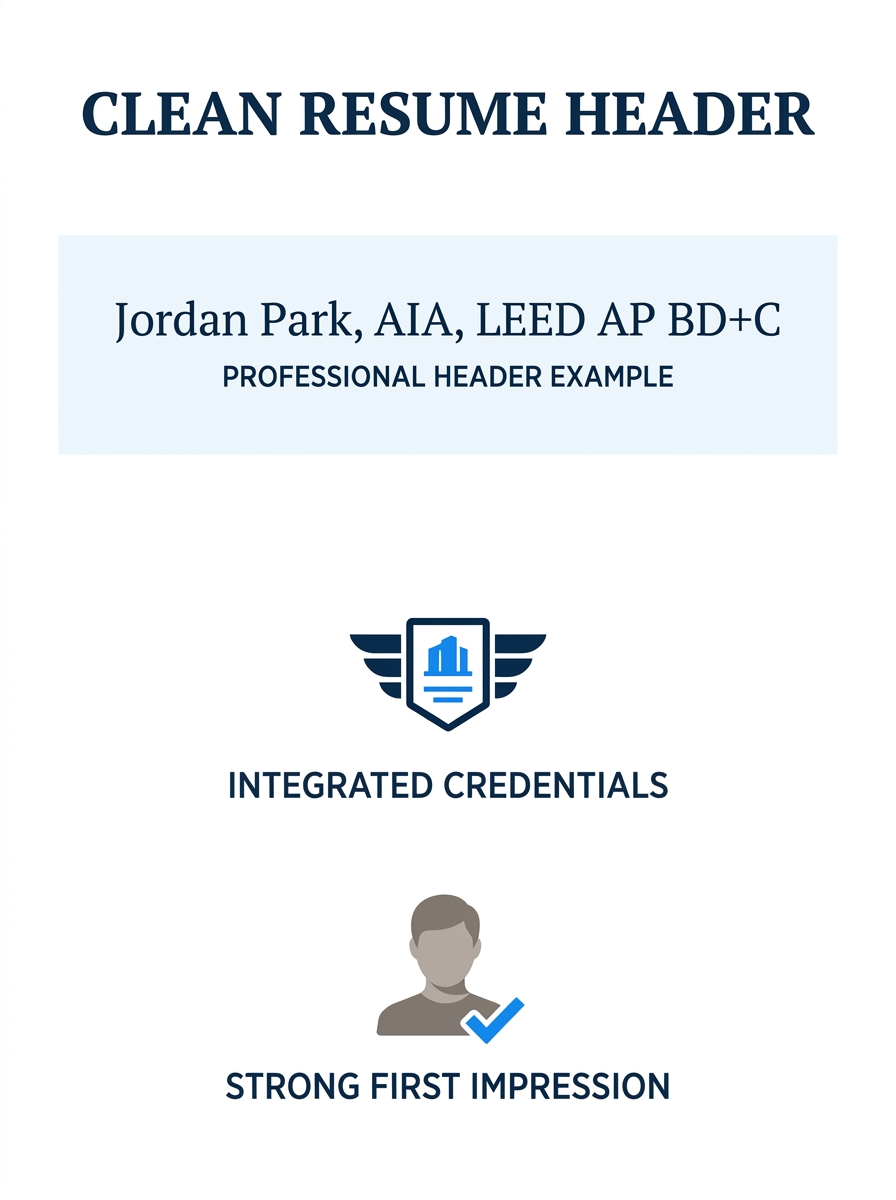
Professional licensing on resume headers works like a doctor’s MD or a lawyer’s Esq. When a firm sees “Jordan Park, AIA, LEED AP BD+C” at the top of the page, two things happen immediately. First, the recruiter knows you hold a current license. Second, the ATS parser captures those post-nominal letters as high-priority keywords. Research shows 72% of employers prefer candidates with relevant credentials, and certified professionals earn 15-20% more on average than peers without them.
Only three types of credentials belong on the name line:
- State licensure designation (RA, licensed architect)
- AIA membership (AIA, FAIA for Fellows)
- NCARB Certificate (signaling reciprocal license eligibility across all 55 U.S. jurisdictions)
AIA certification placement here works because these designations confirm a legal status. They answer the binary question: can this person stamp drawings? Everything else goes lower.
Warning: List only credentials you have earned or are actively enrolled in. As Resume Optimizer Pro’s [architecture resume guidance](https://resumeoptimizerpro.com/blog/architect-resume-examples) notes, “listing a credential you are not enrolled in is misrepresentation.” This applies to your name line and every other section.
The Dedicated Licensing and Certifications Section
Why does this section exist separately from education? Because a degree proves you studied architecture. A certification proves you can practice it. Firms treat these as different signals during screening.
If you hold 3 or more relevant credentials, create a standalone “Licenses & Certifications” section. Place it after your professional summary and before your work experience. This position catches the recruiter’s eye right after they’ve read who you are and right before they dive into what you’ve done. According to NCARB, the NCARB Certificate is a professional credential signifying that an architect “has met the national standards for licensure,” and it facilitates practice across all 55 U.S. jurisdictions.
Each entry in this section needs three pieces of information:
- Full credential name (not abbreviations alone)
- Issuing organization (NCARB, GBCI, PMI)
- Date earned (month and year)
For required licenses, include your license number. For voluntary certifications, skip the number unless the job posting asks for it. Here’s what a well-formatted entry looks like:
Registered Architect, State of California, License #C-38472, June 2021 NCARB Certificate, National Council of Architectural Registration Boards, August 2022 LEED AP BD+C, Green Business Certification Inc., March 2023 PMP, Project Management Institute, November 2024
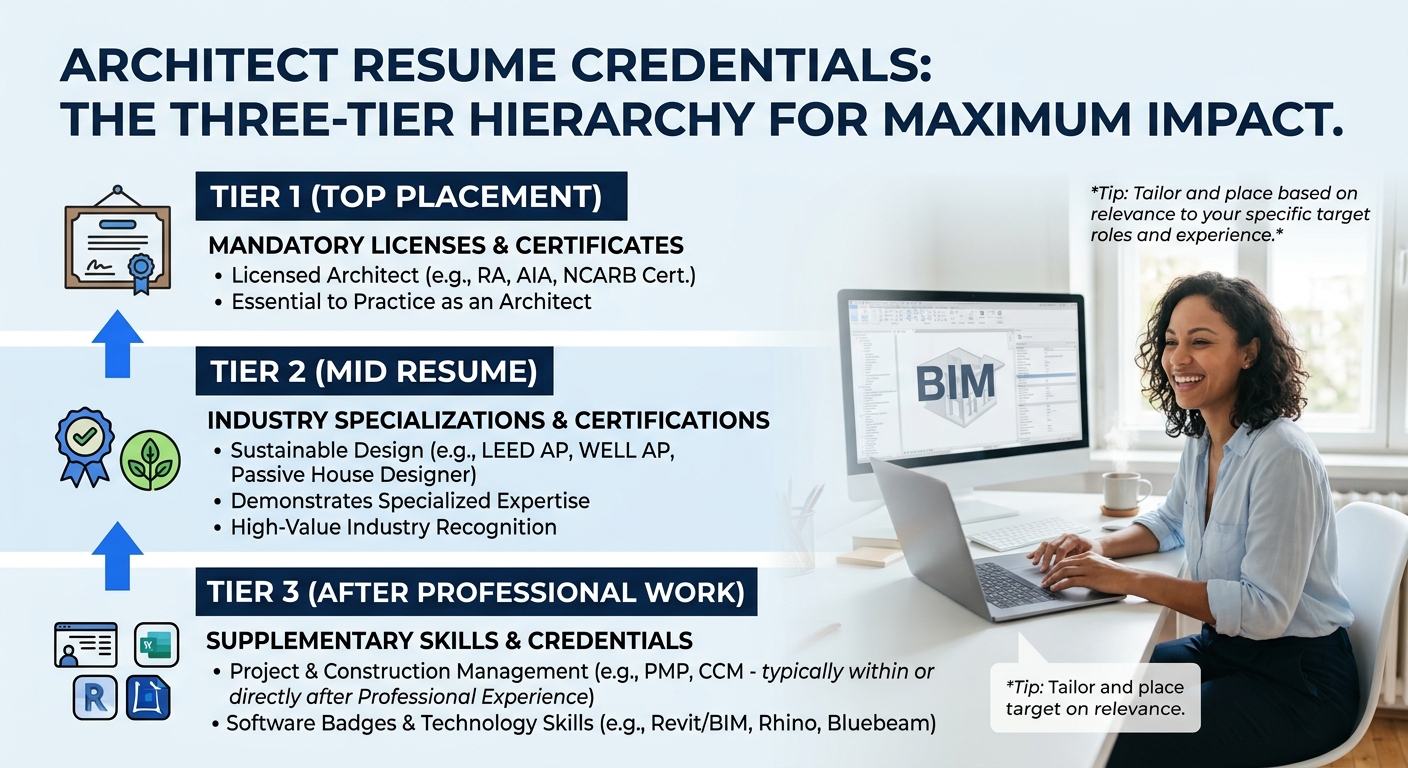
This section is where your specialized skills hierarchy becomes visible. Mandatory licenses sit at the top. Industry-specific credentials (LEED, WELL AP, Passive House) come next. Project management credentials (PMP, CCM) follow. The order communicates what’s most important to architectural practice.
If you’re building your architecture resume alongside a portfolio, this dedicated section acts as the quick-reference index to your qualifications while your portfolio demonstrates them in practice.
Where Technical Software Proficiencies Fit
Technical software skills belong in their own section, separate from licenses and certifications. This distinction matters because a LEED AP credential and Revit proficiency serve different screening functions. The LEED AP tells a firm you understand sustainable building standards. Revit proficiency tells them you can produce construction documents in their preferred platform.
As Indeed’s architecture CV guidance notes, architect resume skills should be organized into clear categories including “technical software proficiencies, design specializations, project management capabilities, and knowledge of building codes and regulations.” Lumping your Revit certification into the same block as your state license creates confusion during the 8-second scan.
Technical qualifications formatting works best when you group software by function:
BIM & Documentation: Revit (8 years), ArchiCAD, Navisworks Visualization: Enscape, V-Ray, Lumion, Twinmotion Design & Drafting: AutoCAD (12 years), Rhino, SketchUp Pro Analysis: Sefaira, IES VE, DIVA for Rhino Project Management: Procore, Newforma, Bluebeam Revu
Notice the years of experience listed for core tools. This small detail gives hiring managers a skill-depth signal that a simple list doesn’t provide. A firm running a 200,000 square-foot hospital project in Revit wants someone with 8 years on the platform, not someone who completed a 40-hour online course.
If you’re wondering whether ATS systems can parse this kind of grouped formatting, the answer is yes. Nearly 90% of employers now use AI to filter resumes, and modern ATS platforms handle categorized skill lists well as long as you avoid tables, columns, or graphics within this section.
A LEED AP credential and Revit proficiency serve different screening functions. Grouping them together undermines both.
Sorting Mandatory from Supplementary
The decision logic behind this hierarchy comes down to one question: does this credential grant legal authority to practice?
If yes, it’s mandatory. State architecture licenses, the NCARB Certificate, and PE stamps for structural work all fall here. According to NCARB’s licensure guide, “to become an architect in the United States, you must earn a license from the individual licensing board” in your jurisdiction. There is no national license. Each of the 55 U.S. jurisdictions sets its own education, experience, and examination requirements.
If no, the credential is supplementary. LEED AP, WELL AP, Passive House Designer, PMP, CDT (Construction Documents Technology), and Autodesk Certified Professional all fall into this category. They strengthen your candidacy. They don’t authorize your practice.
This distinction determines three things on your resume:
- Where the credential appears (name line vs. dedicated section vs. skills block)
- Whether to include a license number (yes for mandatory, optional for supplementary)
- How much space to give it (mandatory credentials get their own line; supplementary ones can be grouped)
When you’re formatting your resume for both ATS and human readers, this sorting logic prevents the common mistake of burying a state license inside a long list of 12 credentials. The license is the most important item on the page for firms that need a stamp-eligible hire.
| Credential Type | Placement Zone | License Number? | Example |
|---|---|---|---|
| State License (RA) | Name line + Dedicated section | Yes, always | RA #C-38472, California |
| NCARB Certificate | Name line + Dedicated section | Yes | NCARB Cert. #98214 |
| AIA Membership | Name line only | No | AIA (or FAIA) |
| LEED AP BD+C | Dedicated section | No | LEED AP BD+C, GBCI, 2023 |
| PMP | Dedicated section | Optional | PMP, PMI, 2024 |
| Revit Certified Prof. | Technical skills section | No | Listed under BIM tools |
| Software proficiency | Technical skills section | N/A | Rhino (6 years) |
How In-Progress Credentials Work
Architecture has one of the longest licensure timelines of any profession. The Architectural Experience Program (AXP) requires thousands of supervised practice hours. The ARE consists of 6 separate exam divisions. Many candidates spend 3-5 years moving through this process after graduation. Leaving these in-progress credentials off your resume creates a gap that makes you look less qualified than you are.
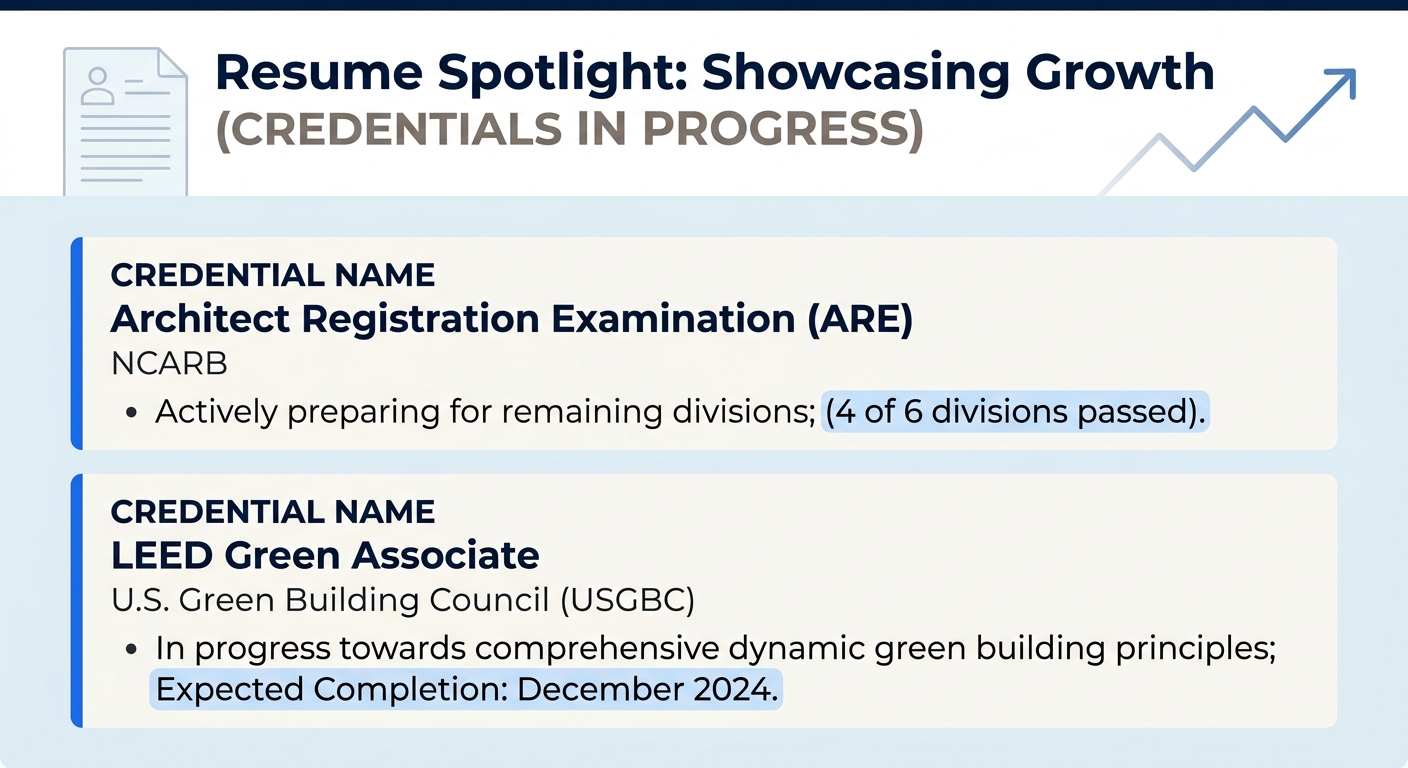
The formatting rule is straightforward. List the credential with “Expected Completion” and a realistic date:
Architect Registration Examination (ARE), 4 of 6 divisions passed, Expected Completion: December 2026 LEED Green Associate, In Progress, Expected Completion: March 2027
NCARB’s own guidance confirms that candidates should be actively enrolled in a program before listing it. The key word is “actively.” Passed 4 of 6 ARE divisions? List it. Thinking about maybe starting LEED someday? Don’t.
This approach matters when you’re competing in a market where job searches now stretch past 11 weeks. Showing tangible progress toward licensure separates you from candidates who list only a degree and nothing else.
For a deeper look at where ongoing education and upskilling belong on your resume (and where they don’t), the continuous learning resume audit covers the broader framework.
Where This Hierarchy Falls Apart
The three-zone credential hierarchy works cleanly for U.S.-based architects applying to domestic firms. It breaks down in three specific situations.
International applications. The title “architect” is legally protected in 35+ countries, each with different credentialing bodies. An RIBA Part 3 (UK), ARB registration (UK), or OAQ membership (Quebec) follows different placement conventions than NCARB-based credentials. If you’re applying to firms in multiple countries, you may need 2-3 versions of your resume with different credential hierarchies.
Hybrid roles. Architecture firms increasingly hire for positions that blend design with data, sustainability consulting, or real estate development. When the job posting lists 6 required credentials spanning 3 different professional domains, the clean mandatory-vs-supplementary sorting breaks down. In those cases, mirror the posting’s own priority order rather than following the standard hierarchy.
Career changers. An engineer moving into architecture holds a PE license that was mandatory in their old field but supplementary in their new one. The PE still belongs on the resume, but it drops from the name line into the dedicated section. If you’re navigating that kind of transition, understanding how to translate credentials across fields prevents you from either overplaying or burying relevant qualifications.
The hierarchy is a default, built for the 80% case of a U.S.-licensed architect applying to a U.S. firm for an architecture role. When your situation falls outside that frame, adapt the zones while keeping the underlying logic: mandatory credentials get the most prominent placement, supplementary credentials get dedicated space, and software skills get their own category. The logic holds even when the specific layout shifts.